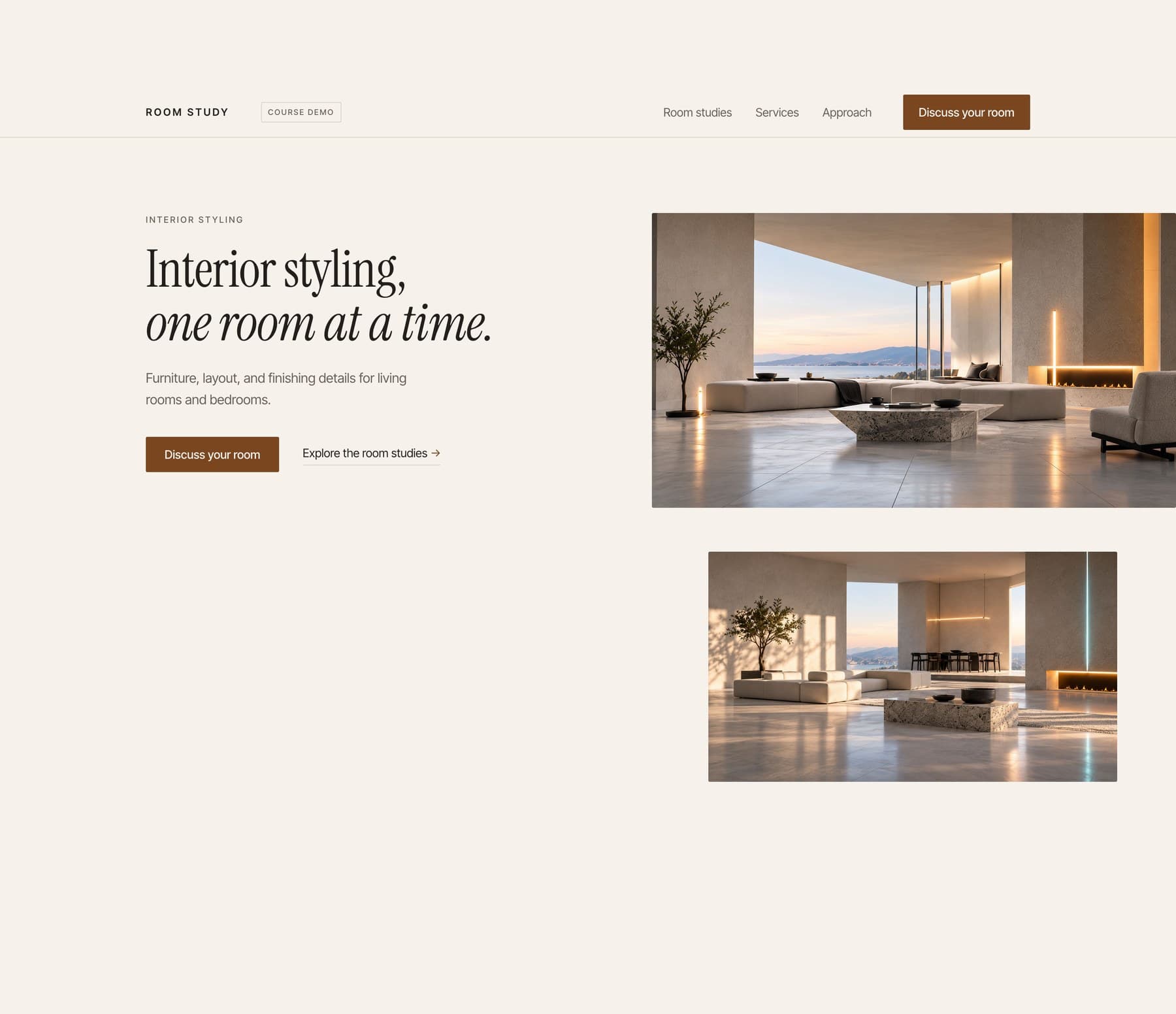
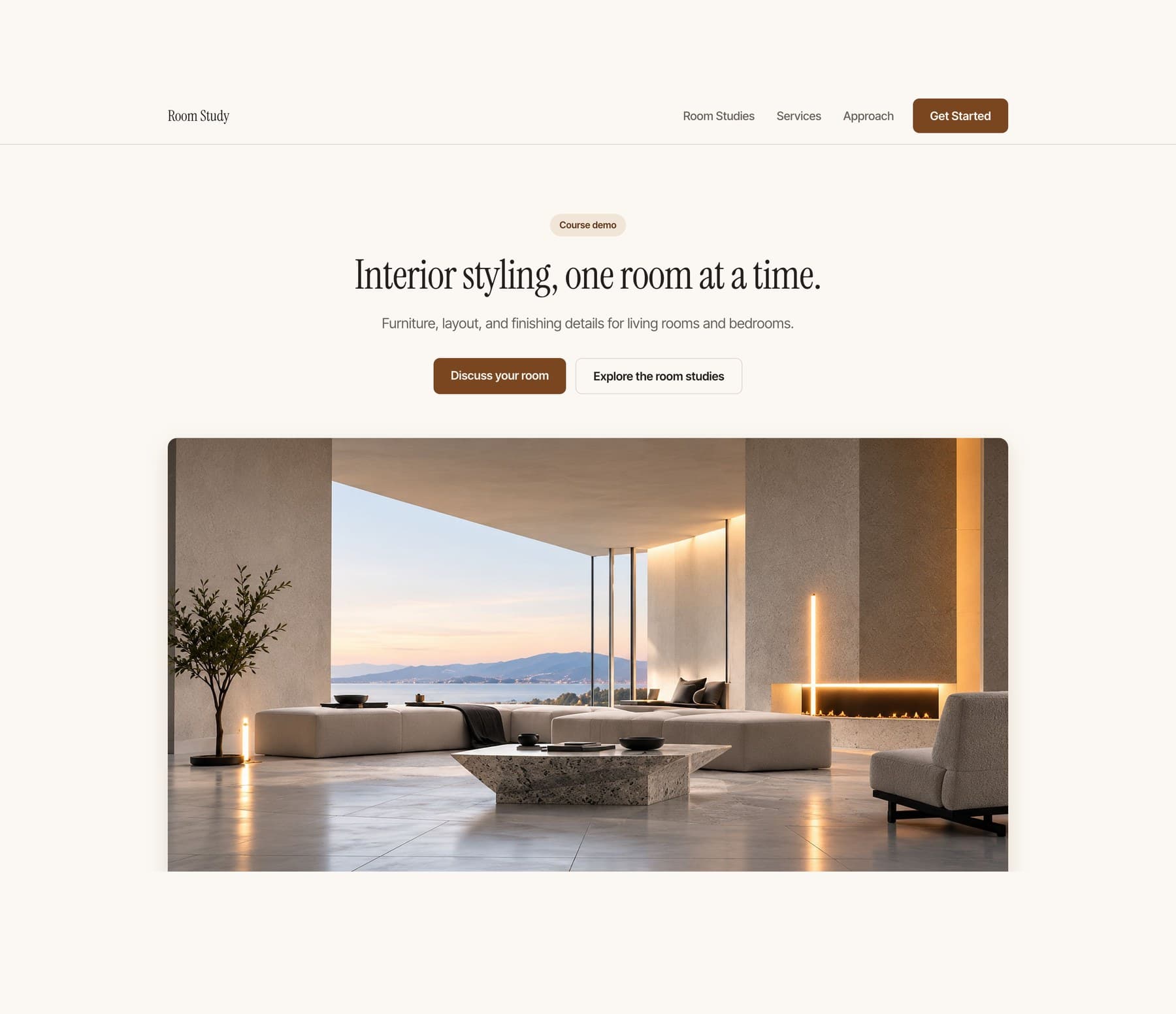
The finished Room Study website, the reference build for this course: a cream one page site headlined Interior styling, one room at a time, above a wide photograph of a styled living room at dusk
Start here
8 modules17 lessons

Build yourwebsite in a day.

Start with an empty project and finish with a polished one-page website you can open on your phone and send to other people. No coding experience required.

Coming soonPlanned launch price: $9.95

Designed as a one-day build. Your timing may vary depending on setup, content and customization.

01

What you will build

One adaptable one-page website, not five separate tracks. It is built from seven sections: hero; what I do or what I offer; work, examples or proof; about; a clear call to action; contact; and footer.

It adapts to a photographer, consultant, designer, personal trainer, creator, freelancer, small service business or solo founder. You replace the content with your own.

Its main button connects to an existing booking or inquiry service you control, then you test it from both sides.

02

What is included

The website brief, the module 7 final checklist, a get-unstuck sheet and the copyable prompts used through the build.

The Base Web Style is included and is enough to finish the course. Paid Brand Kits are optional and not required.

03

Who it is for

Complete beginners, especially freelancers, photographers, creatives, consultants, solo business owners, creators and people with a service or offer.

You do not need to know how to code before starting.

Requirements

Required: age 18 or older, a supported Mac or Windows computer, internet, a Claude account with access to the taught Claude Code workflow, a modern browser and a Vercel account.

Optional: a custom domain, personal images and an existing logo. A working Vercel address is enough to finish.

Phone testing is verified on iPhone. Android-specific instructions remain marked untested until an Android device is verified.

What is not included

Not included: accounts, databases, ecommerce, shopping carts, memberships, dashboards, CMS architecture, blogs, advanced SEO, custom backends, native apps, App Store submission or complicated animation systems.

I do not build a custom backend in this course. You connect an existing booking or inquiry service you control. Provider pricing and limits are separate.

Custom domains are optional. The outcome is one really good live page.

02 · 8 modules · 17 lessons

Inside the course

The outline is here. The lessons are not available yet.

  1. Editorial study of a figure entering a sunlit architectural workspaceModule illustration
    Module 01

    See the result

    Watch the finished website on a desktop and a phone, then decide what yours has to represent.

    1. 01.01What we're making

      See the finished desktop site, the finished mobile site and the live URL before any theory.

    2. 01.02What we're building and what we're not

      One strong page of seven sections, and the reasons the other website features are deliberately left out.

  2. Overhead editorial photograph of a laptop and notebook in a carefully arranged workspaceModule illustration
    Module 02

    Set up and start the conversation

    Open Claude Code on a clean folder and get a first page into the browser quickly.

    1. 02.01Set up Claude Code

      Install or open Claude Code and start from a clean project folder.

    2. 02.02Let Claude ask the right questions

      Claude interviews you and writes a plan you can read.

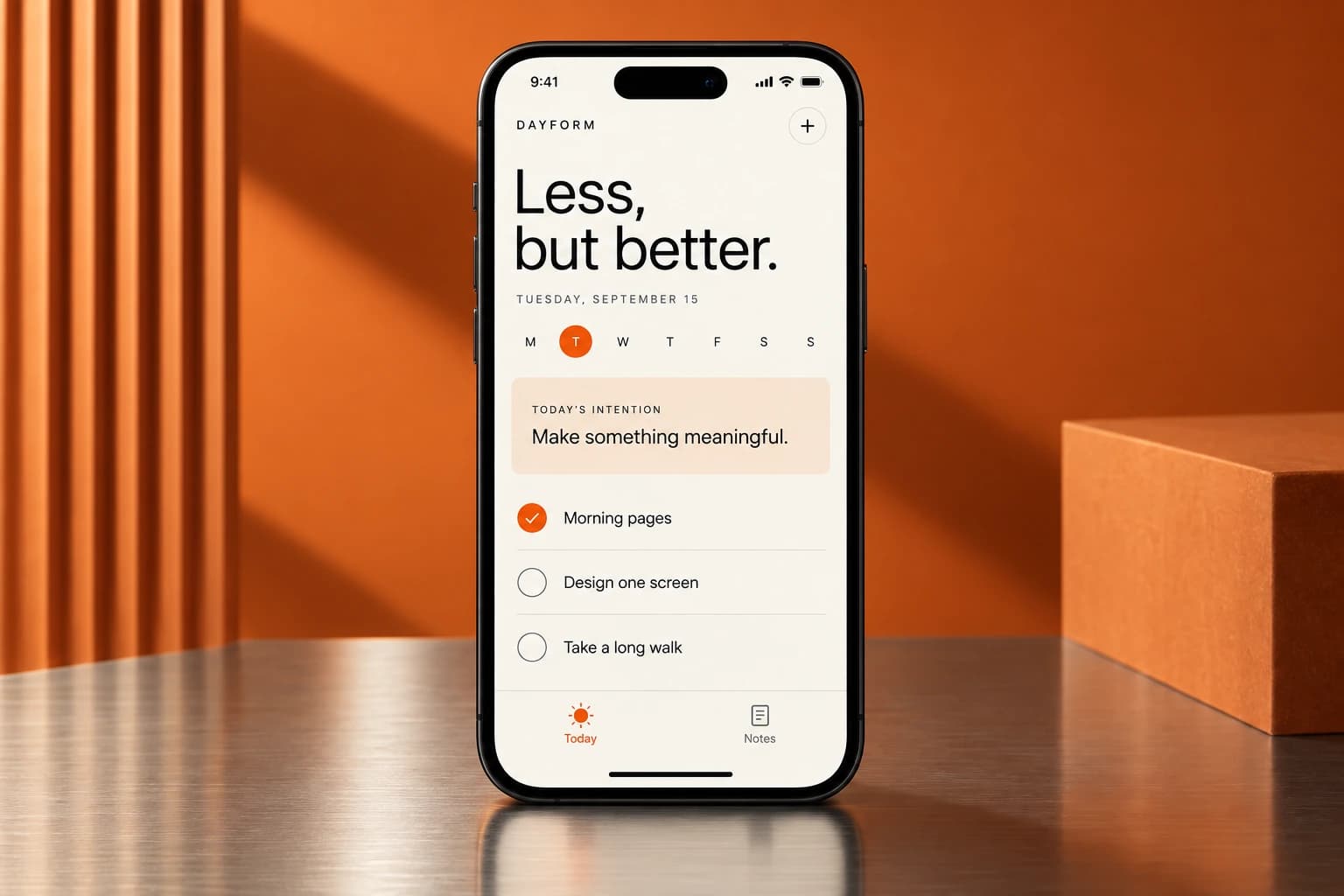
  3. Dayform visual concept showing a daily intention and checklistModule illustration
    Module 03

    Plan and build the website

    Turn the idea into a short brief, then let Claude build the first complete version from it.

    1. 03.01Approve the website plan

      You read the plan, correct anything wrong, and approve it.

    2. 03.02Build the first version

      A complete first website you can open in a browser and use.

  4. A monochrome workspace with a laptop and strong architectural lightModule illustration
    Module 04

    Make the content yours

    Replace the generated words and pictures with accurate ones that say what you actually do.

    1. 04.01Make the words accurate

      The page says what you actually offer, with nothing invented.

    2. 04.02Use your photos or create the images you need

      Approved pictures are in the page, or the page is deliberately text led.

  5. Editorial portrait between cream and orange panels illustrating visual directionModule illustration
    Module 05

    Turn it into a brand

    Learn to see what makes a generated page look generic, then give the page one direction.

    1. 05.01See what needs work

      You can name up to three things worth changing, and one worth keeping.

    2. 05.02Choose a visual direction

      Three real previews to compare, and one of them chosen.

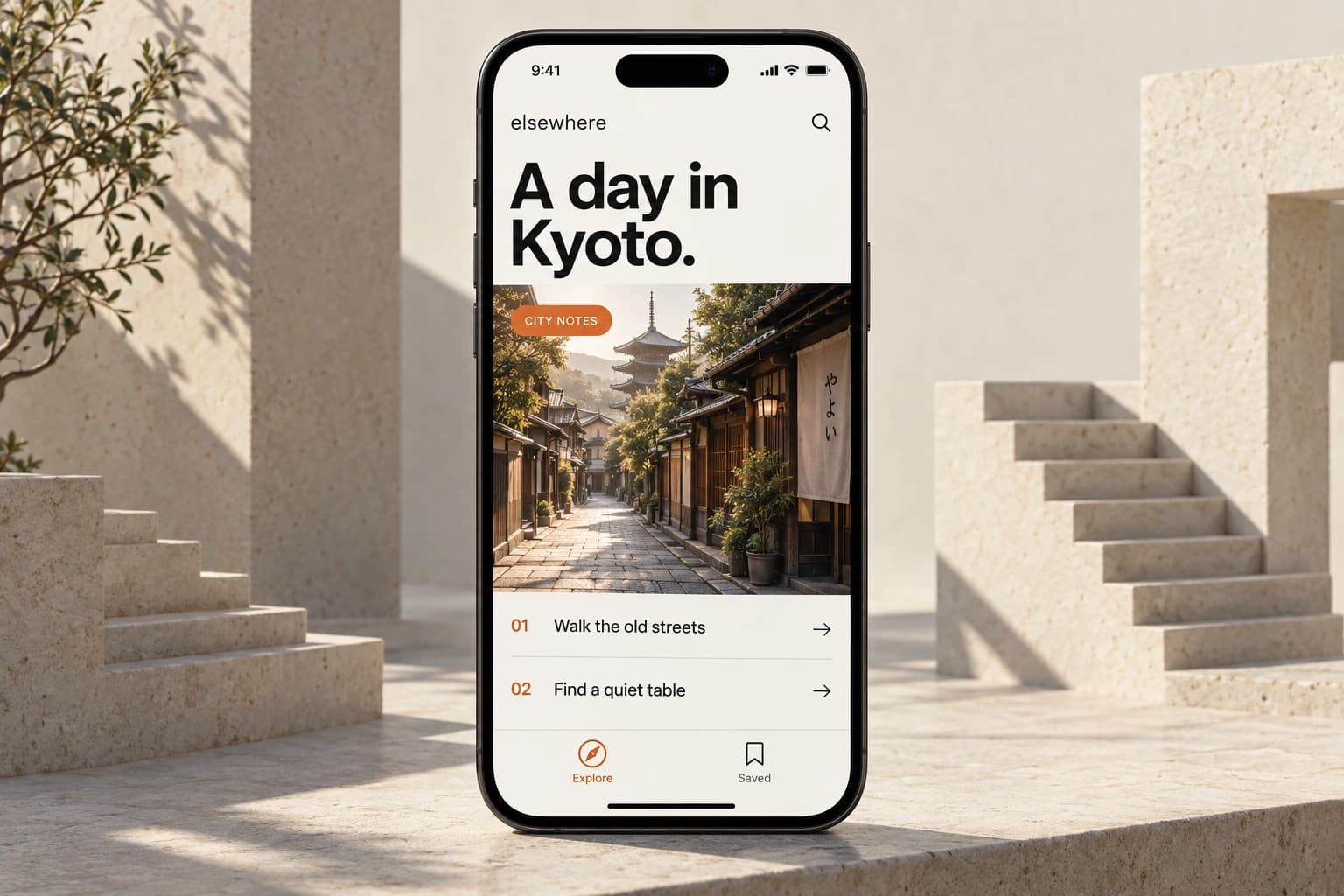
  6. Elsewhere visual concept showing an editorial city guide on an iPhoneModule illustration
    Module 06

    Make mobile good

    Check the whole page at phone width and fix what actually breaks there. Most of your visitors arrive this way.

    1. 06.01Check it on a phone

      The page holds together at phone width and on a real handset.

  7. Overhead editorial photograph of a laptop and notebook in a carefully arranged workspaceModule illustration
    Module 07

    Make your main action work

    Connect the button to a real booking page or inquiry service, then prove a request actually reaches you.

    1. 07.01Choose what happens after the click

      Decide what your main action has to accomplish: a booked time that lands in a calendar, or a message that reaches an inbox.

    2. 07.02Connect the service

      Set up your own booking or form service and connect it to the buttons already on your page. You only do the one path that matches your site.

    3. 07.03Test both sides

      Prove it works for the visitor and that it reached you, then clean the test up.

  8. Editorial portrait of a figure carrying their laptopModule illustration
    Module 08

    Finish it

    Connect a domain if you have one, run the final check, and send the link to a real person.

    1. 08.01Put it online with Vercel

      Deploy from the computer straight to Vercel and get a live public URL. No GitHub.

    2. 08.02Use your own domain

      Optional. Students without a domain finish the course on their working Vercel URL.

    3. 08.03Do the final check and send the link

      Run the final checklist, then send the live URL to one other person.

03 · What next

After the one-page build.

Advanced Website Design continues with deeper branding, deliberate motion and additional pages.

See the next course ↗

Selected work

Apps and websites I've designed and built.

05 · Courses

Start here.
Keep going.

The finished Room Study website, the reference build for this course: a cream one page site headlined Interior styling, one room at a time, above a wide photograph of a styled living room at dusk
01Start here
Planned launch price: $9.95

Build Your Website in a Day

Start with an empty project and finish with a polished one-page website you can open on your phone and send to other people. No coding experience required.

Coming soonView course
The Room Study website in its editorial treatment: a cream one page site headlined Interior styling, one room at a time, beside two warm photographs of a styled living room at dusk
02Go further with your website
Planned launch price: $49.95

Advanced Website Design

Follow Arian as he develops a stronger visual identity, adds deliberate motion, and expands a one-page website into a connected three-page site.

Coming soonView course
A creative working at a laptop against a bright orange panel
03Course 1 · Beginner
Planned launch price: $19

Build Your First App

Build a personal habit app with a checklist, a focus timer, and your own look. Add it to your phone home screen.

Coming soonView course
Overhead view of a minimal desk with a laptop, notebook, and geometric shadows
04Course 2 · Design and independent building
Planned launch price: $99

Design and Build Your Own App

Move beyond copied prompts. Learn to scope your idea, direct AI, and build an app with a consistent design.

Includes course 1
Coming soonView course
A figure holding a laptop between cream and orange architectural panels
05Course 3 · Native iPhone apps
Planned launch price: $199

Build and Publish Your iPhone App

Build a native iPhone app, test it, add useful Apple capabilities, and prepare your App Store submission.

Includes courses 1 and 2
Coming soonView course
A silhouetted creative at a laptop against cream and vivid orange architectural panels
06Studio track · Solo founders
Planned launch price: $95

Run Your Studio With AI

Build a small operating system that helps AI remember the work, report clearly, hand off cleanly, and run one recurring job without you.

Coming soonView course

06

Get the coursewhen it opens.

Choose the course updates you want. No account is needed.
18+ only
07 · FAQ
Will the booking or contact button actually work?

Yes. You connect the main action to an existing booking or inquiry service you control and test it from the visitor side and your own account. No custom backend is required.

Do I need to know how to code?

No previous coding experience is required for course 1. You will still learn how to describe a change, inspect what happened, test it and recover when it goes wrong.
Can I use a Windows computer?

Yes, for the tested course-1 and course-2 workflows. Course 3 uses a compatible Mac and Xcode.
Can I build using only my phone?

Not with the workflow taught here. Use a supported computer to build and your phone to test the result.

Will my first app be in the App Store?

No. Course 1 creates a home-screen web app. Native iPhone development and submission are covered in course 3.
Can I build a different idea?

Course 1 uses one small project so the instructions stay clear. Course 2 teaches you to adapt the process to your own small app. It is not a promise that every possible app fits the same scope.
Are the tools included in the price?

The listed teaching files and course tools are included. Third-party software, hosting upgrades, hardware and developer memberships are separate. Check the requirements before purchase.

Can I start with course 2 or 3?

Yes, once they are released. Higher packages include the earlier courses, so you can fill any gaps without buying the same material twice.

Is there live teaching?

The courses are prerecorded. Questions and project feedback happen in the community. No recurring live session or guaranteed personal debugging service is included.

Can I reuse the included project?

You can adapt the teaching project according to its included license. Your purchase does not include the production source of breathe or unrestricted resale of course materials and third-party assets.

Does the app save my data?

The first teaching app saves ordinary task data locally. It is not cloud sync, and clearing browser data can remove it. You will learn the limits and how later recovery options work.