What you build
A Studio Home folder with current rules, a founder report format, a where-I-stopped handoff, a proof checklist, a parked-project list, and one scheduled agent you have actually run and verified.

Build a small operating system that helps AI remember the work, report clearly, hand off cleanly, and run one recurring job without you.
A Studio Home folder with current rules, a founder report format, a where-I-stopped handoff, a proof checklist, a parked-project list, and one scheduled agent you have actually run and verified.
The app courses teach you how to build products. This track teaches you how to run the work around them: keep context current, make AI report in a useful format, move cleanly between sessions, verify that done means done, and automate one recurring job without inventing progress.
One home for the operation. Reports that match how you read. Rules with scars. Handoffs before a long chat dies. Silent-success checks. Start fast and park fast. One scheduled staff member. Usage alerts that inform instead of taking control.
A lead-and-workers pattern for parallel work, a second AI with a separate job, and a simple studio board that only looks live when it has a real source and timestamp.
Solo founders and one-person studios who already have work to run and want AI to carry more of the operation without losing control of decisions or proof. It is not a prerequisite for the app ladder.
You need a Mac or Windows computer, an adult account on a supported paid Claude plan, and the current Claude Desktop/Cowork features used in the recorded lessons. The scheduled-agent exercise uses a local folder. For the taught local version, keep the computer awake and the local Claude app available at run time. Cloud-only scheduled tasks can run differently and are not presented as the same thing.
Every setup lesson displays a Last checked date. If the recorded Claude setup changes, the lesson is rechecked and the smallest affected segment is rerecorded.
The outline is here. The lessons are not available yet.
 Module illustration
Give the operation one place to live and teach AI how to report back to you.
Create a small Studio Home folder that holds the current operating files instead of scattering instructions across chats.
Define the short status format you want every operating task to use.
 Module illustration
Turn repeated corrections into current rules and end sessions with a clean successor.
Turn a repeated correction into a dated rule that records why it exists and whether it is still current.
End a long session deliberately with a short where-I-stopped note and a kickoff for the next session.
 Module illustration
Require evidence for done states and decide which ideas deserve continued attention.
Replace vague success messages with one observable proof check for each important job.
Use a tiny project card to test an idea quickly, then choose continue, park or kill before it becomes invisible debt.
 Module illustration
Schedule one quiet recurring task and put a simple usage boundary around it.
Create one recurring task, such as a nightly progress rollup or backup check, with a prompt that stays quiet when healthy and never invents progress.
Create an informative usage threshold that tells the founder what happened without ordering the agent to stop mid-task.
 Module illustration
Optional patterns for separating decision-making, implementation and second opinions.
Use one lead session to hold the decision and isolated workers only when parallel work genuinely saves time.
Separate builder, writer or judge roles when a second system adds real value, while keeping the founder as the final decision maker.
 Module illustration
Move the project-HQ idea here and make the visual layer read from real files instead of pretending static values are live.
Create a minimal local dashboard over the studio brief, current work, design values and verified milestones.
Define the writer, source, freshness rule and empty state for every dashboard value that looks live.
Apps and websites I've designed and built.
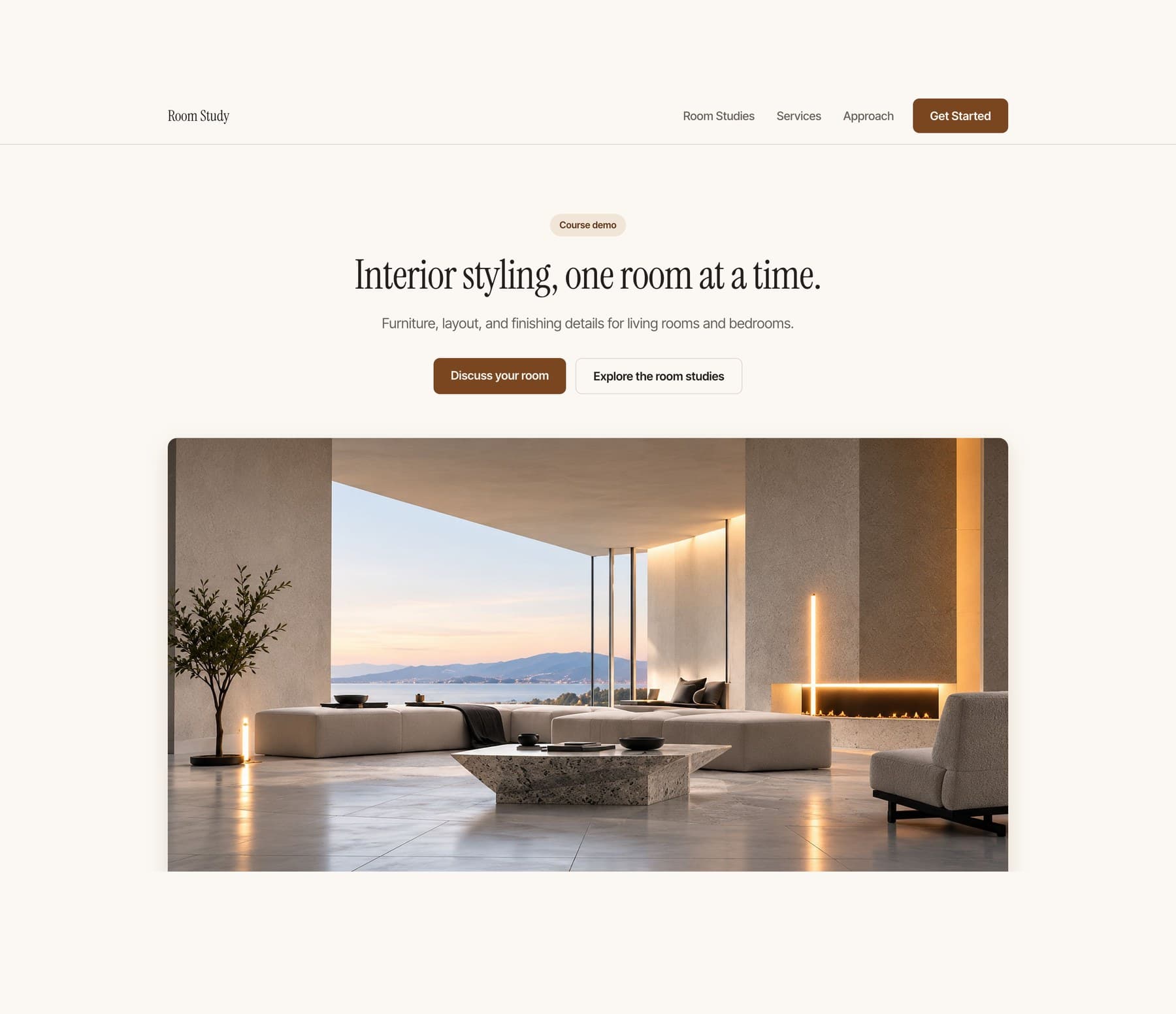
Start with an empty project and finish with a polished one-page website you can open on your phone and send to other people. No coding experience required.
Coming soonView course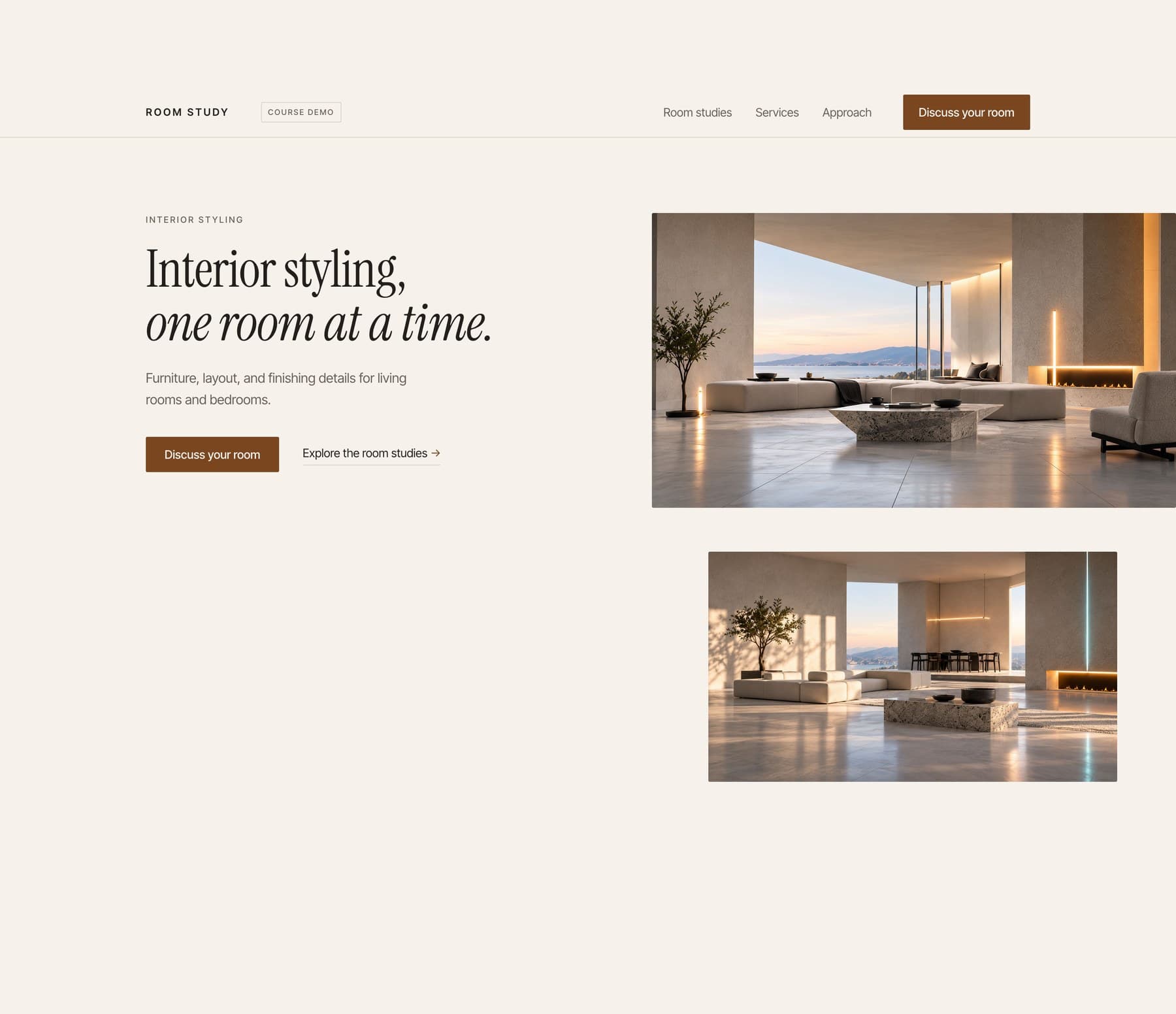
Follow Arian as he develops a stronger visual identity, adds deliberate motion, and expands a one-page website into a connected three-page site.
Coming soonView course
Build a personal habit app with a checklist, a focus timer, and your own look. Add it to your phone home screen.
Coming soonView courseMove beyond copied prompts. Learn to scope your idea, direct AI, and build an app with a consistent design.

Build a native iPhone app, test it, add useful Apple capabilities, and prepare your App Store submission.
Build a small operating system that helps AI remember the work, report clearly, hand off cleanly, and run one recurring job without you.
Coming soonView courseChoose the course updates you want. No account is needed.
18+ onlyYes. You connect the main action to an existing booking or inquiry service you control and test it from the visitor side and your own account. No custom backend is required.
No previous coding experience is required for course 1. You will still learn how to describe a change, inspect what happened, test it and recover when it goes wrong.
Yes, for the tested course-1 and course-2 workflows. Course 3 uses a compatible Mac and Xcode.
Not with the workflow taught here. Use a supported computer to build and your phone to test the result.
No. Course 1 creates a home-screen web app. Native iPhone development and submission are covered in course 3.
Course 1 uses one small project so the instructions stay clear. Course 2 teaches you to adapt the process to your own small app. It is not a promise that every possible app fits the same scope.
The listed teaching files and course tools are included. Third-party software, hosting upgrades, hardware and developer memberships are separate. Check the requirements before purchase.
Yes, once they are released. Higher packages include the earlier courses, so you can fill any gaps without buying the same material twice.
The courses are prerecorded. Questions and project feedback happen in the community. No recurring live session or guaranteed personal debugging service is included.
You can adapt the teaching project according to its included license. Your purchase does not include the production source of breathe or unrestricted resale of course materials and third-party assets.
The first teaching app saves ordinary task data locally. It is not cloud sync, and clearing browser data can remove it. You will learn the limits and how later recovery options work.