What changes here
You will move from following my exact prompts to writing your own briefs, choosing a visual direction, testing the behavior, and keeping the project organized between sessions.

Learn how to direct AI, make stronger design decisions, and build a small app around your own idea.
You will move from following my exact prompts to writing your own briefs, choosing a visual direction, testing the behavior, and keeping the project organized between sessions.
Use a compact set of references, editable design rules, and visual controls. Photoshop is not required.
Build a design guide for your app and a small set of files that keep its purpose, current state, decisions and next steps clear.
Start here when you can run a project and make a basic change, or take the included first course before continuing. The taught workflow works on the supported Mac and Windows setups.
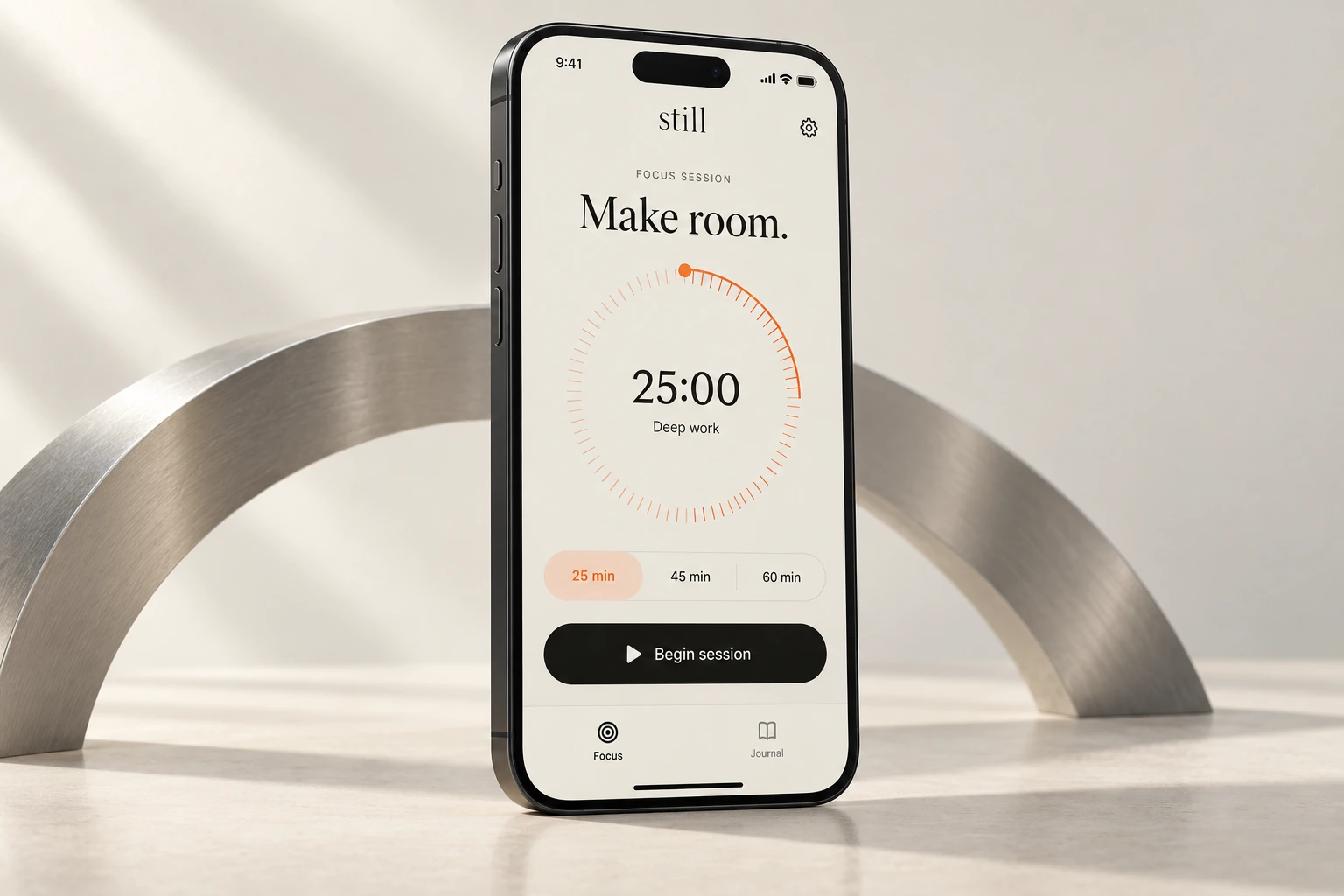
The outline is here. The lessons are not available yet.
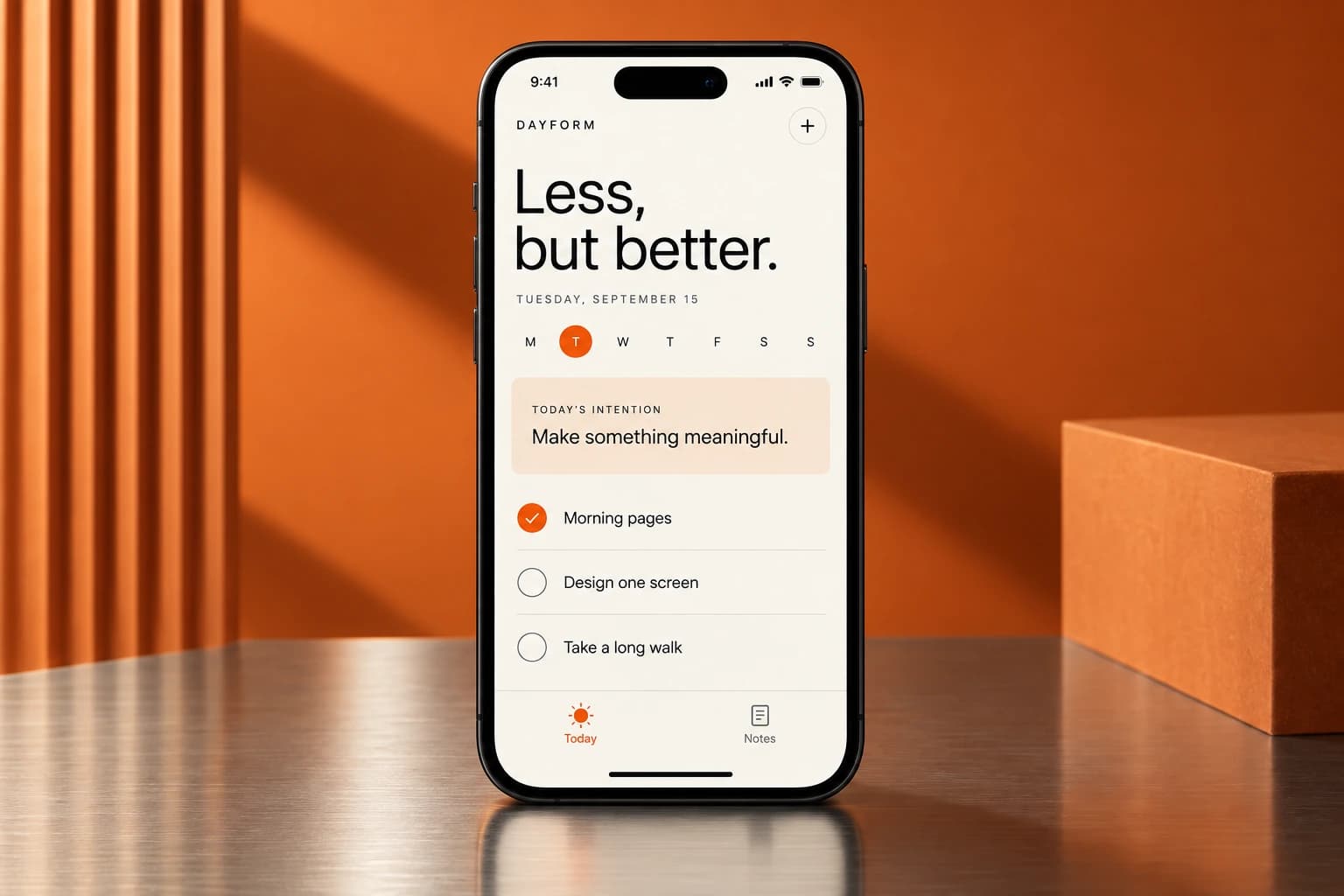 Module illustration
Choose one person, one job, and a small complete product loop.
Separate a personal-use tool from a business product and define one concrete user need.
Draw a boundary around what the first version must and must not do.
Plan navigation plus empty, loading, error and success states before polishing screens.
Translate the idea into observable tests instead of adjectives.
Module illustrationUse a repeatable brief, controlled scope and evidence-led correction.
Combine context, task, constraints, references and verification.
Use clarification and a short implementation plan before a multi-step change.
Control scope, dependencies and approved design decisions.
Use screenshots, reproduction steps and observed versus expected behavior.
 Module illustration
Turn references and taste into a compact student-owned design guide.
Extract hierarchy, spacing, color relationships and motion principles from legitimate references.
Choose the main action, reading order, grouping and breathing room.
Create a small token set with usable contrast, a type scale and consistent spacing.
Produce a concise DESIGN.md that includes examples, limits and checks.
 Module illustration
Design reusable components and review the actual product.
Define buttons, cards, fields and navigation once, then reuse them.
Treat disabled, focused, pressed, empty and error states as part of the design.
Check zoom, long text, keyboard navigation, focus order, contrast and reduced motion.
Compare real alternatives and explain what is stronger and why.
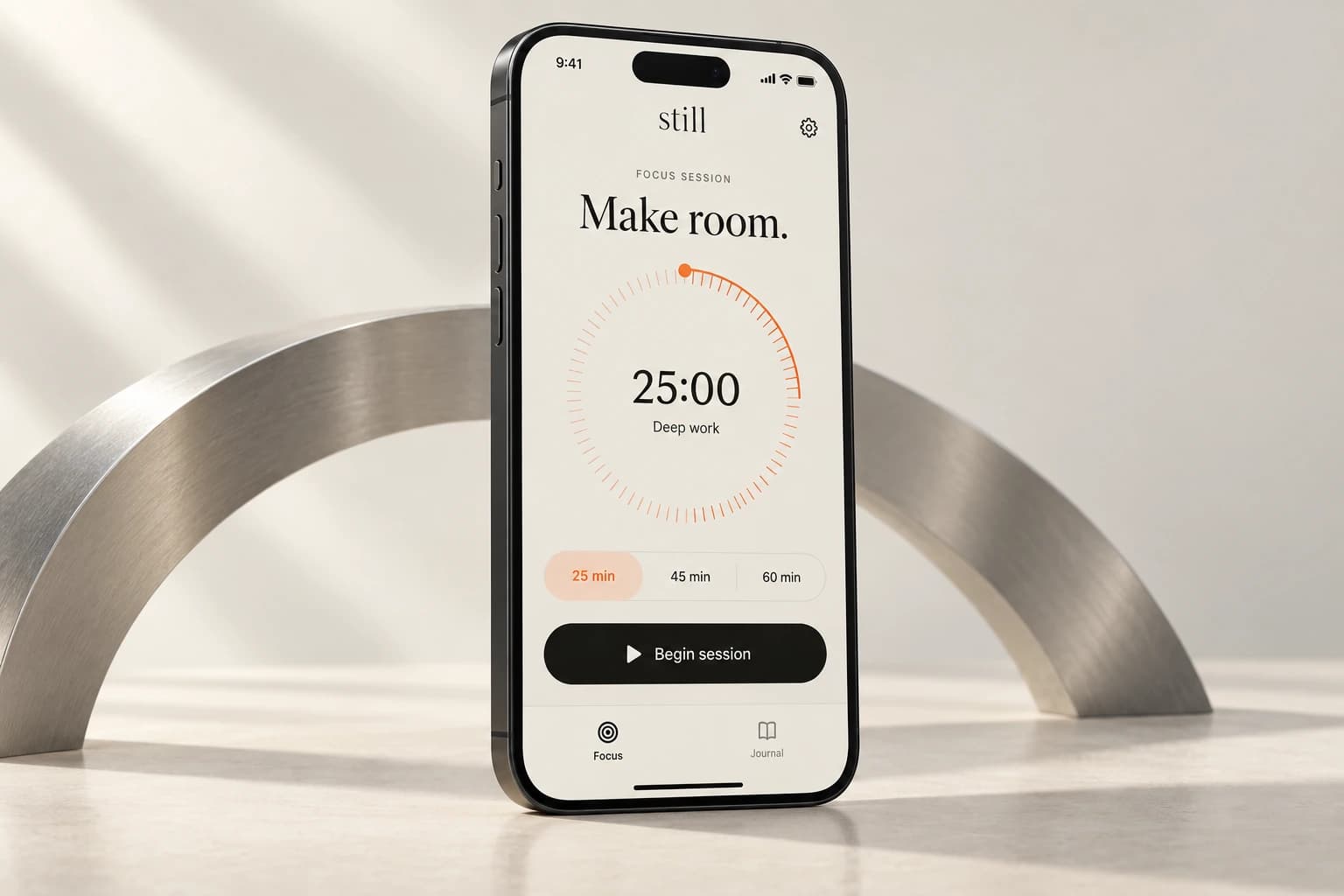 Module illustration
Replace repetitive visual prompting with controllable, reusable tools.
Use included original assets or optional generation and optimize the result.
Use restrained transitions and optional ambient backgrounds without making motion essential.
Expose a few meaningful surface parameters instead of making repeated blind changes.
Export tokens, apply them to real components, and remove development controls from production.
 Module illustration
Own local state, time behavior, recovery and testable feature changes.
Define records, identifiers and valid inputs before adding more screens.
Test new days, time-zone changes, edits, interruptions and reopen behavior.
Provide a recoverable local-data path and validate imported files.
Use a small automated test or guard and verify it can catch a known failure.
 Module illustration
Keep decisions current, hand work off cleanly, and add a deliberate remote copy when the project is ready for it.
Separate project purpose, design rules, current state and the next-chat handoff.
Date important choices, keep current rules clear and mark reversals as superseded.
Write a concise handoff with changed files, verified checks, blockers and next step.
Use one builder by default, small diffs, checkpoints and bounded investigation.
Separate the files on your computer, local Git history, a GitHub remote, and a deployed Vercel app.
Create a private remote repository, push the intended checkpoint, and verify the remote contents.
 Module illustration
Apply the same process to a different small app and demonstrate independence.
Transfer the method to a local-first checklist, planner or simple business utility.
Observe a first-time user without silently doing the difficult steps for them.
Ship a version, check the actual deployment, explain data limits and document the update path.
Present the user need, visual system, working behavior and known limitations.
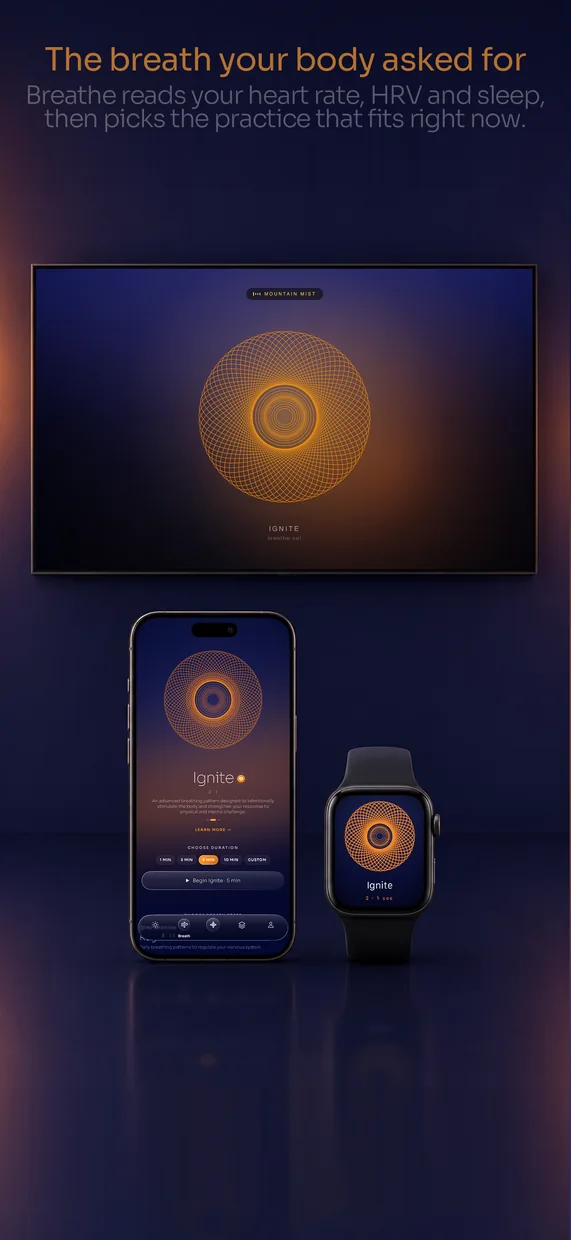
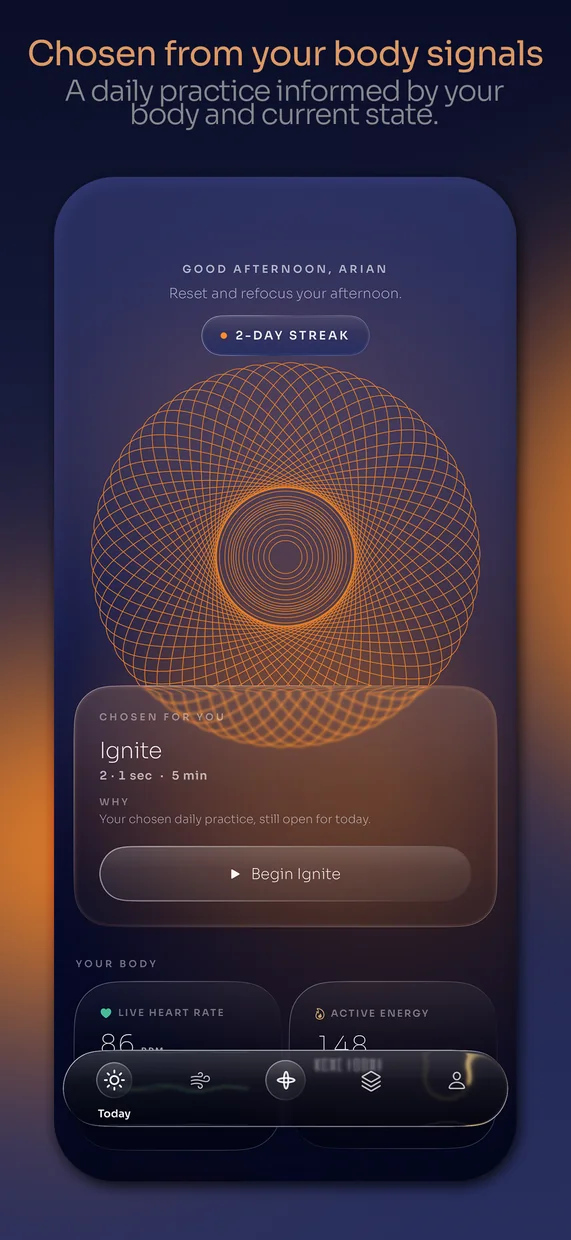
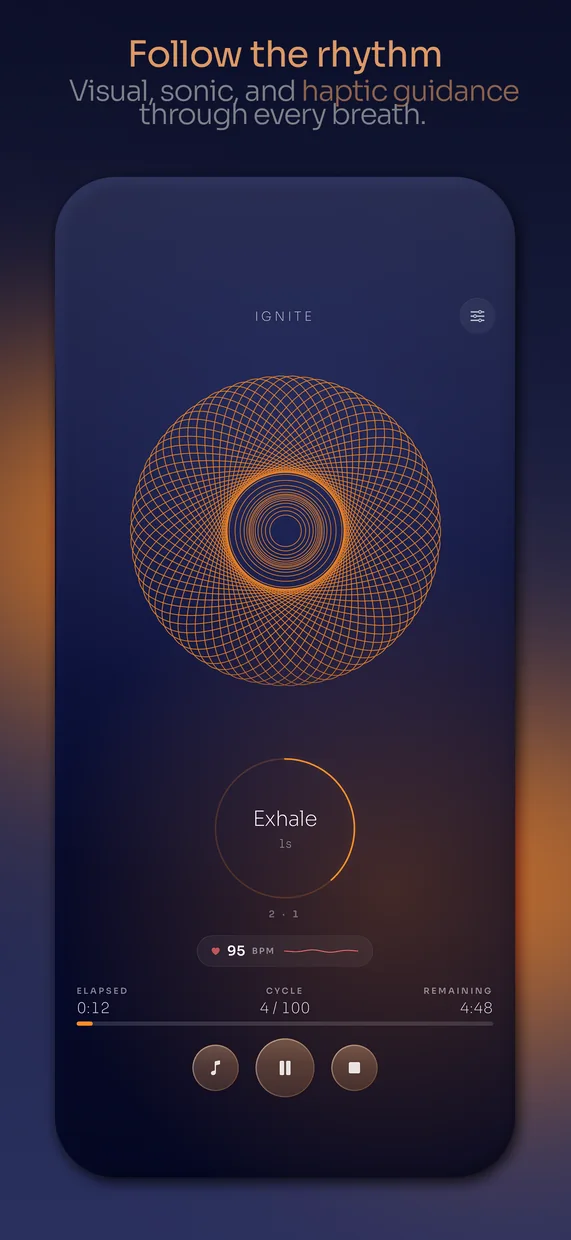
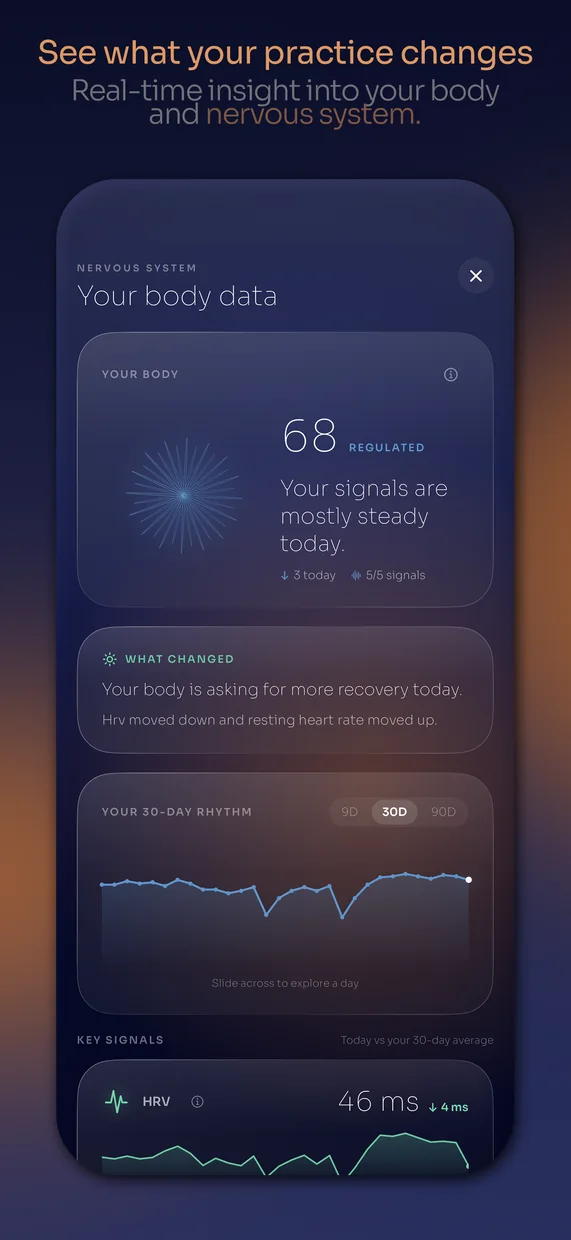
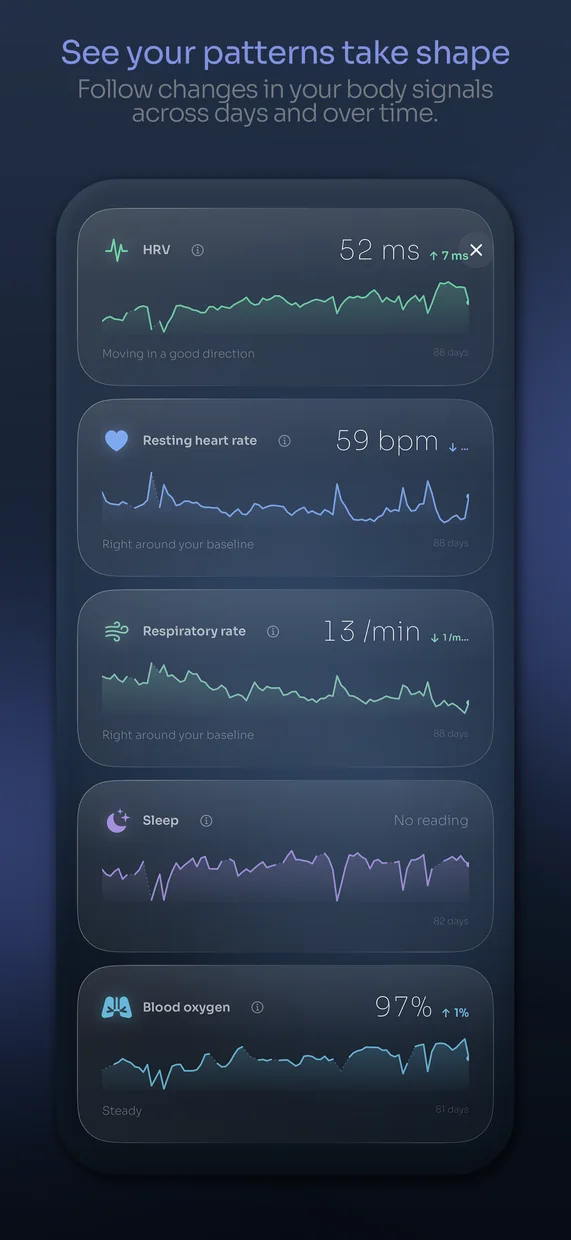
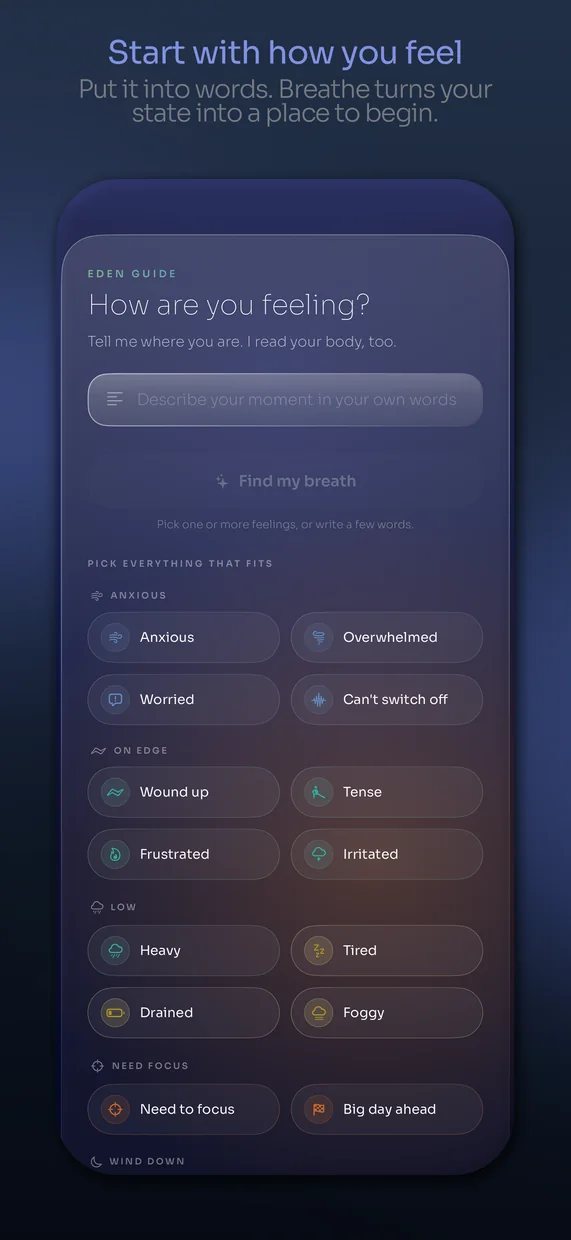
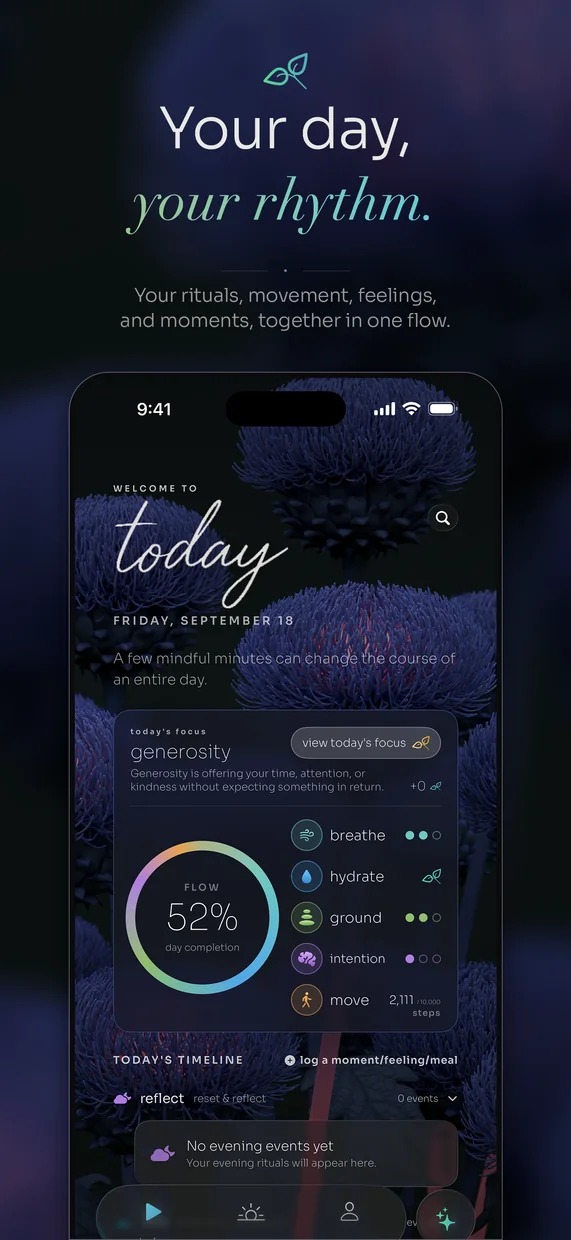
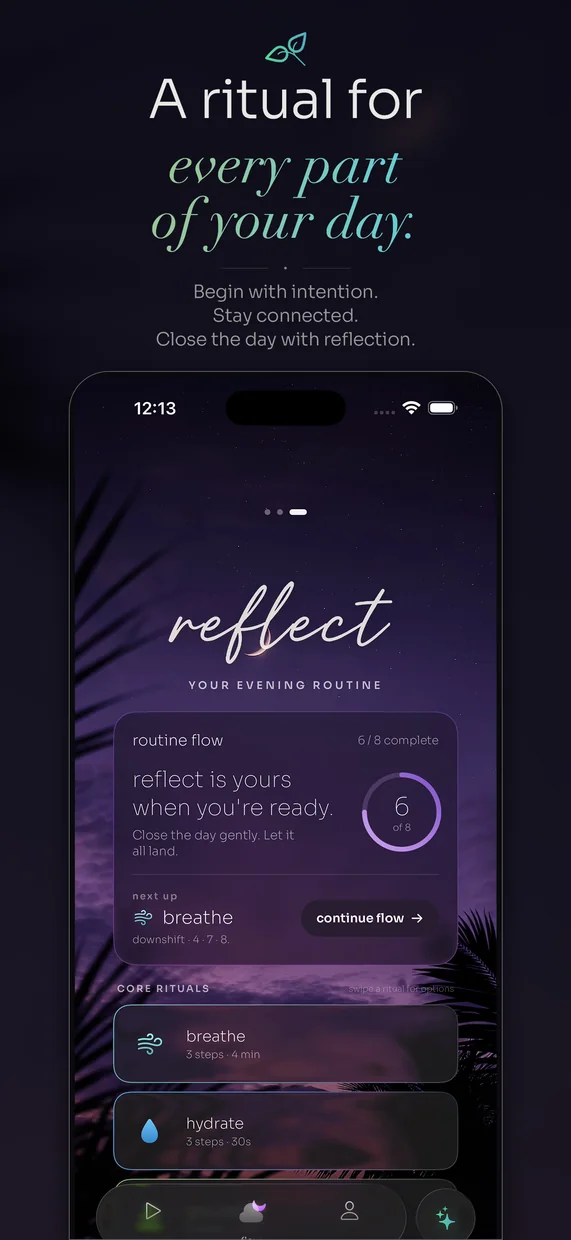
Apps and websites I've designed and built.
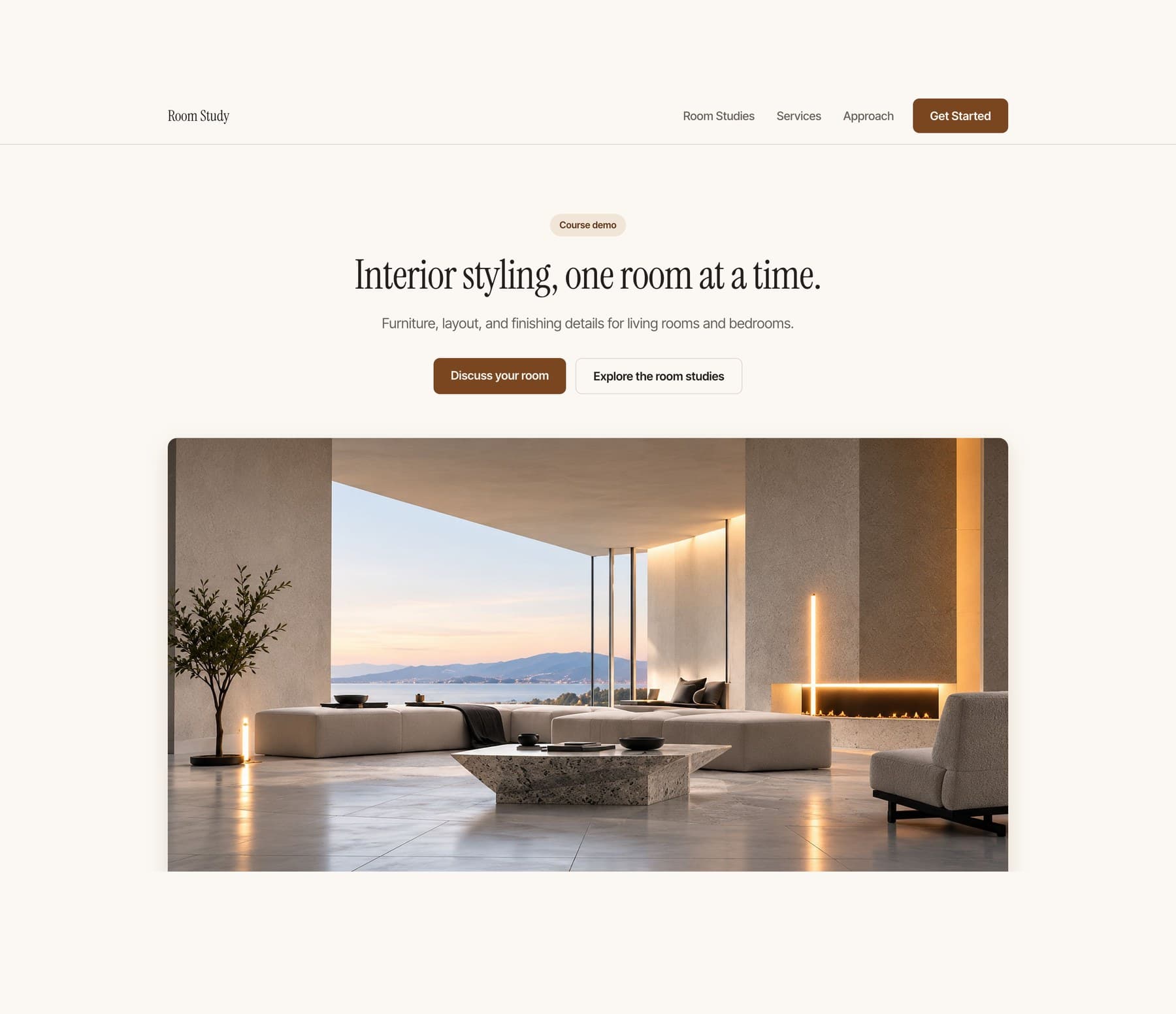
Start with an empty project and finish with a polished one-page website you can open on your phone and send to other people. No coding experience required.
Coming soonView course
Follow Arian as he develops a stronger visual identity, adds deliberate motion, and expands a one-page website into a connected three-page site.
Coming soonView course
Build a personal habit app with a checklist, a focus timer, and your own look. Add it to your phone home screen.
Coming soonView courseMove beyond copied prompts. Learn to scope your idea, direct AI, and build an app with a consistent design.
Build a native iPhone app, test it, add useful Apple capabilities, and prepare your App Store submission.

Build a small operating system that helps AI remember the work, report clearly, hand off cleanly, and run one recurring job without you.
Coming soonView courseChoose the course updates you want. No account is needed.
18+ onlyYes. You connect the main action to an existing booking or inquiry service you control and test it from the visitor side and your own account. No custom backend is required.
No previous coding experience is required for course 1. You will still learn how to describe a change, inspect what happened, test it and recover when it goes wrong.
Yes, for the tested course-1 and course-2 workflows. Course 3 uses a compatible Mac and Xcode.
Not with the workflow taught here. Use a supported computer to build and your phone to test the result.
No. Course 1 creates a home-screen web app. Native iPhone development and submission are covered in course 3.
Course 1 uses one small project so the instructions stay clear. Course 2 teaches you to adapt the process to your own small app. It is not a promise that every possible app fits the same scope.
The listed teaching files and course tools are included. Third-party software, hosting upgrades, hardware and developer memberships are separate. Check the requirements before purchase.
Yes, once they are released. Higher packages include the earlier courses, so you can fill any gaps without buying the same material twice.
The courses are prerecorded. Questions and project feedback happen in the community. No recurring live session or guaranteed personal debugging service is included.
You can adapt the teaching project according to its included license. Your purchase does not include the production source of breathe or unrestricted resale of course materials and third-party assets.
The first teaching app saves ordinary task data locally. It is not cloud sync, and clearing browser data can remove it. You will learn the limits and how later recovery options work.