Build real
things
with AI.
Be first to hear when each course opens.
The build is only part of it.
You will learn what to ask for, what to change, and how to check the result. The later courses go deeper into design, project systems, and shipping a native app.
See the courses

Three interface concepts.
Three directions.
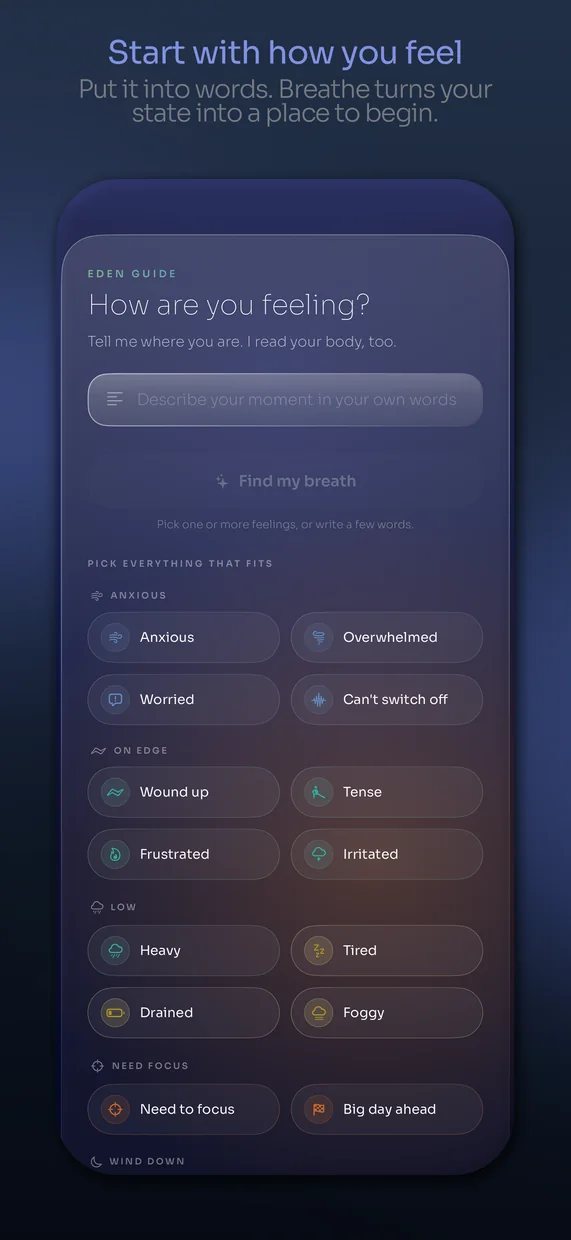
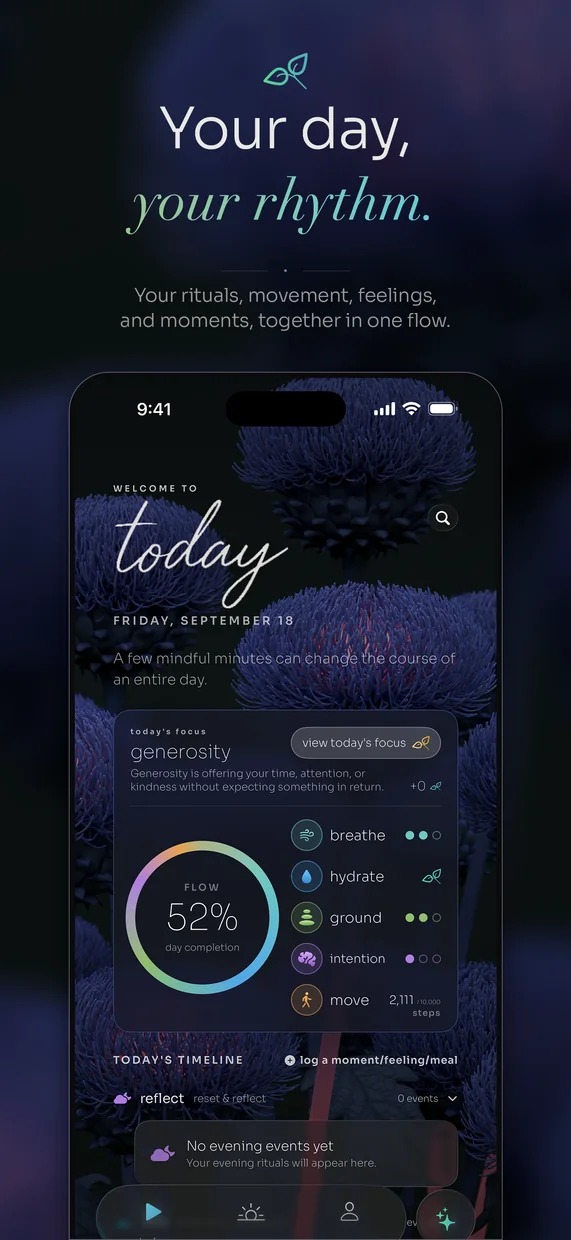
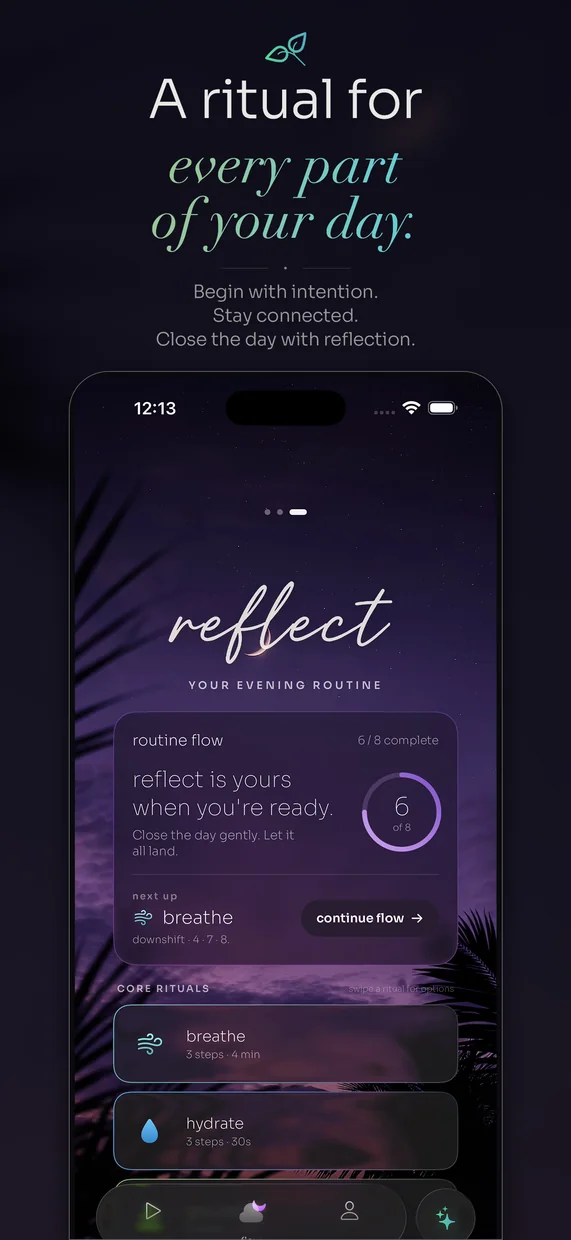
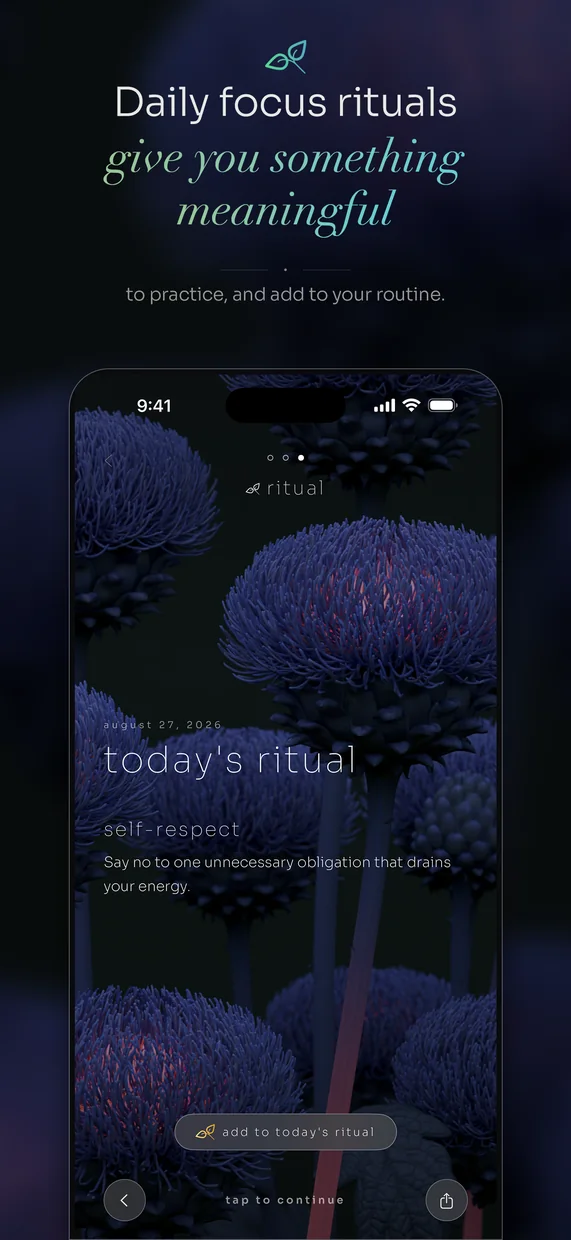
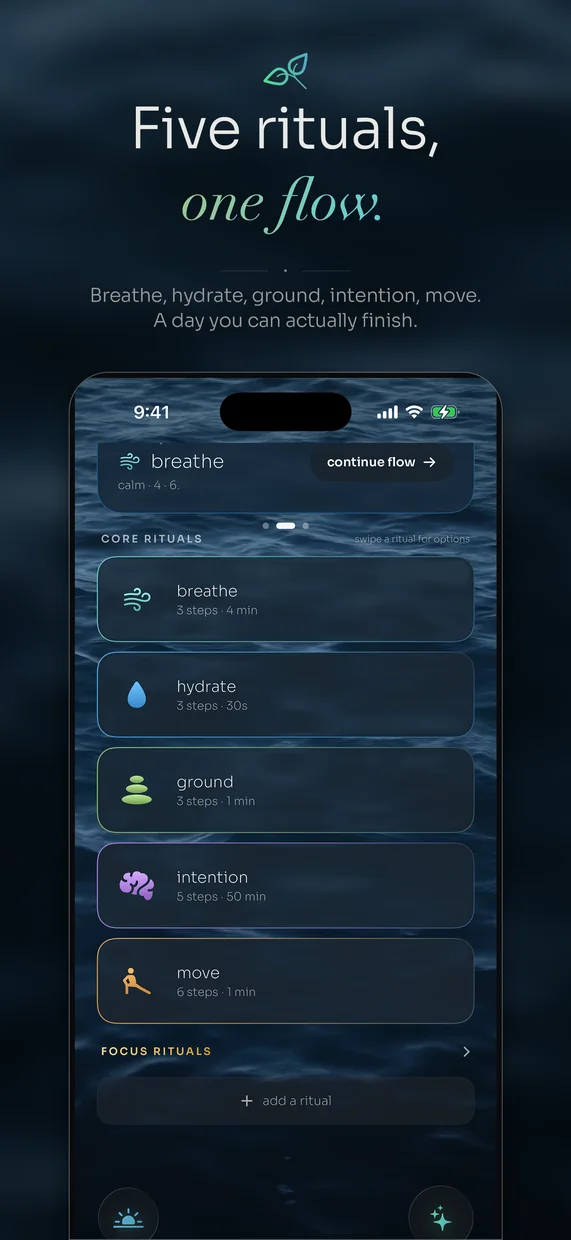
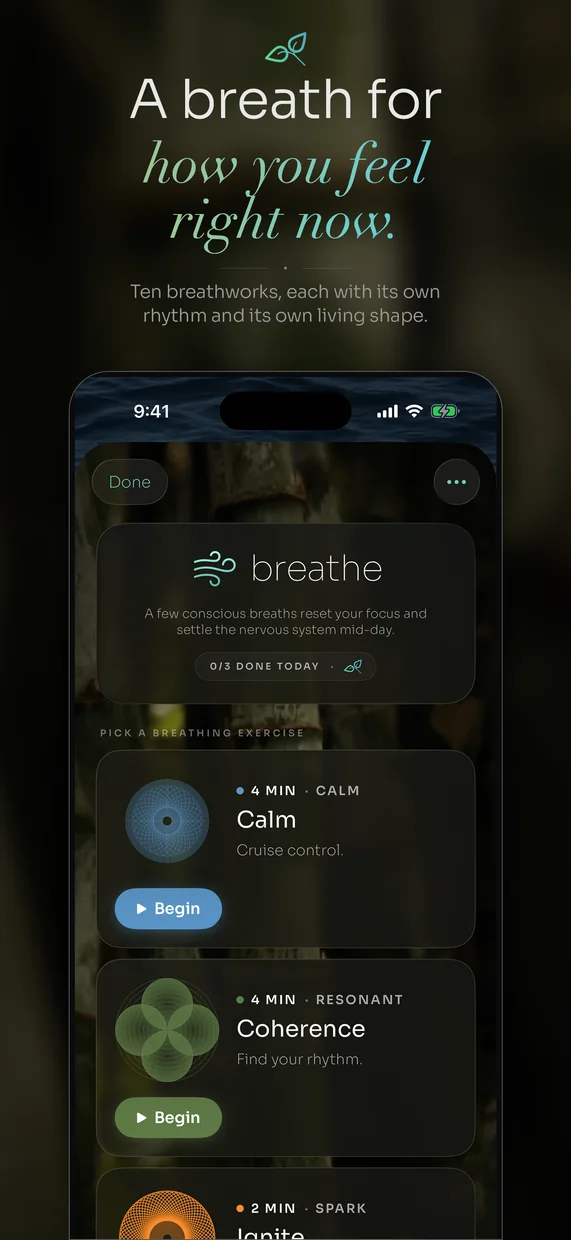
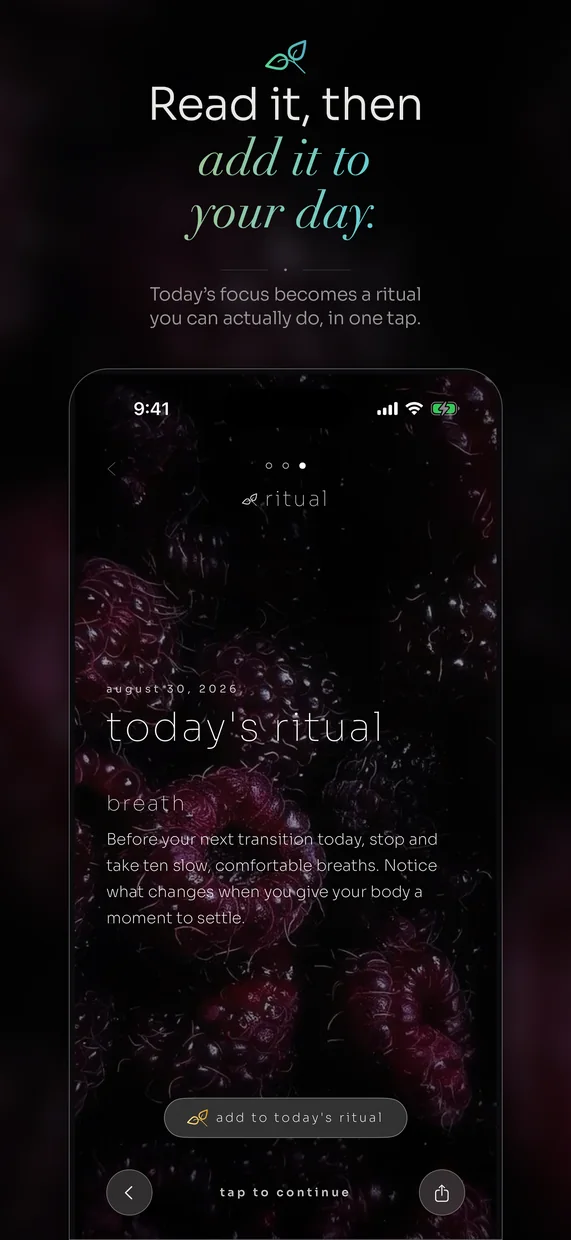
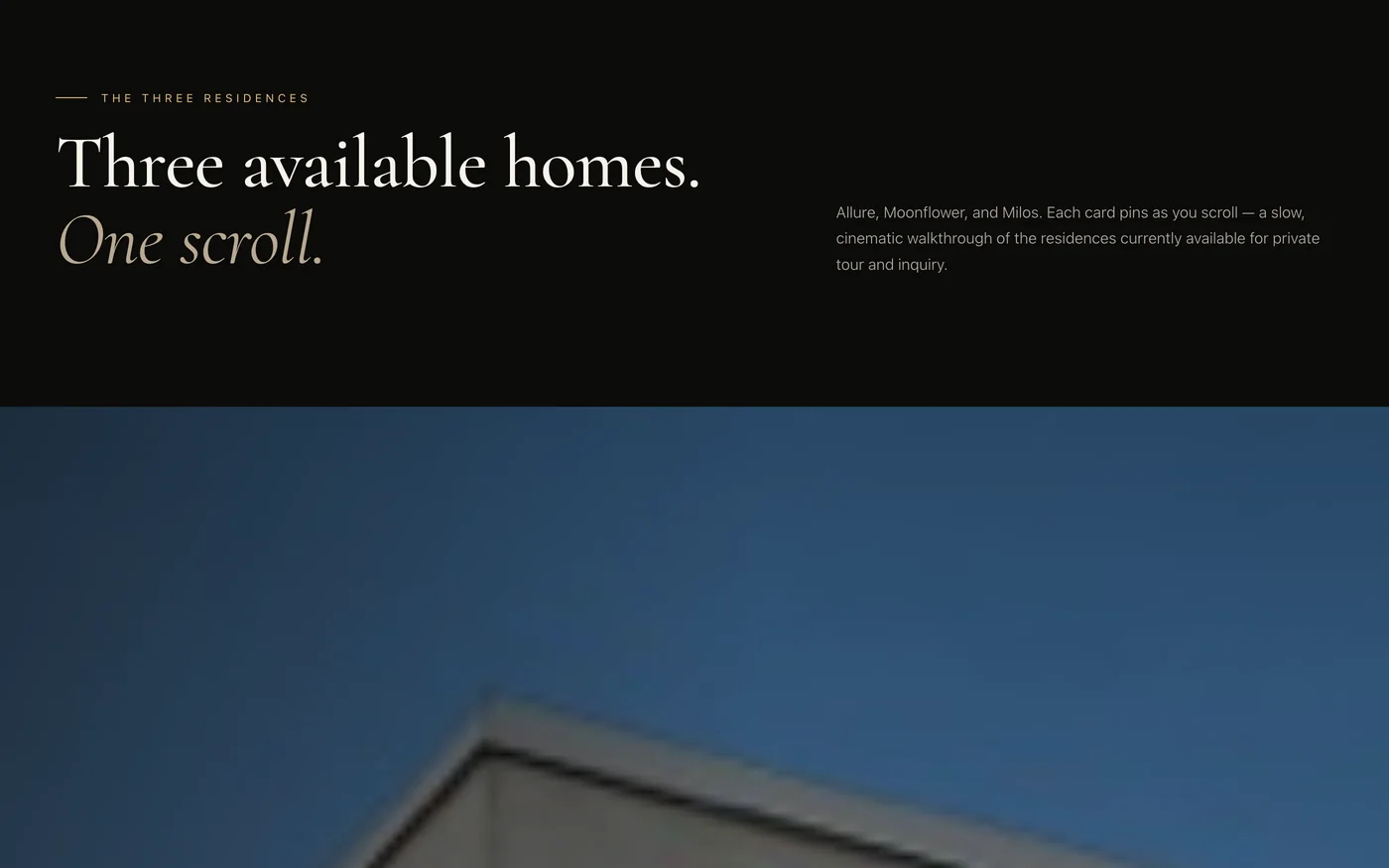
Three original interface concepts exploring focus, discovery, and everyday routines.
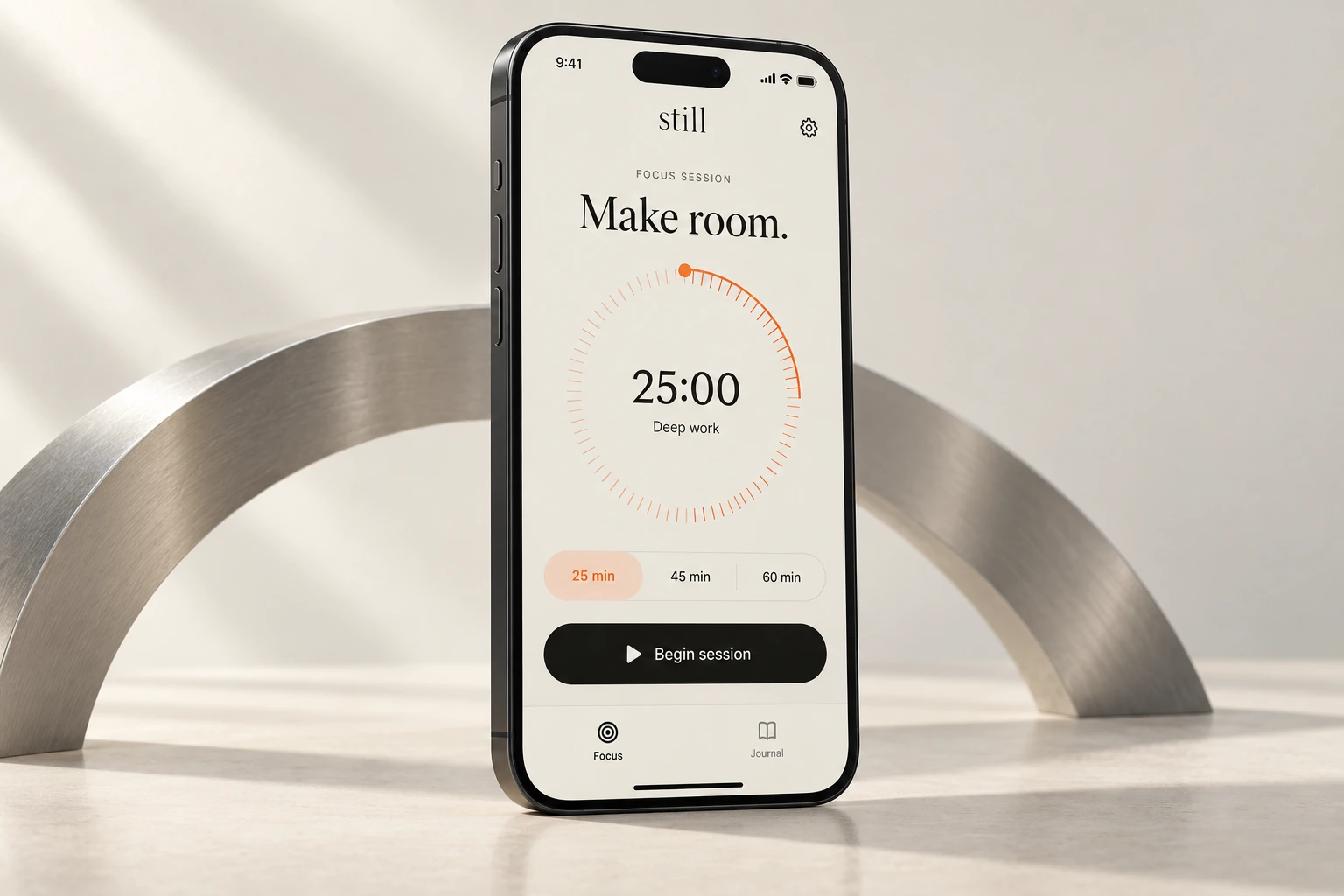
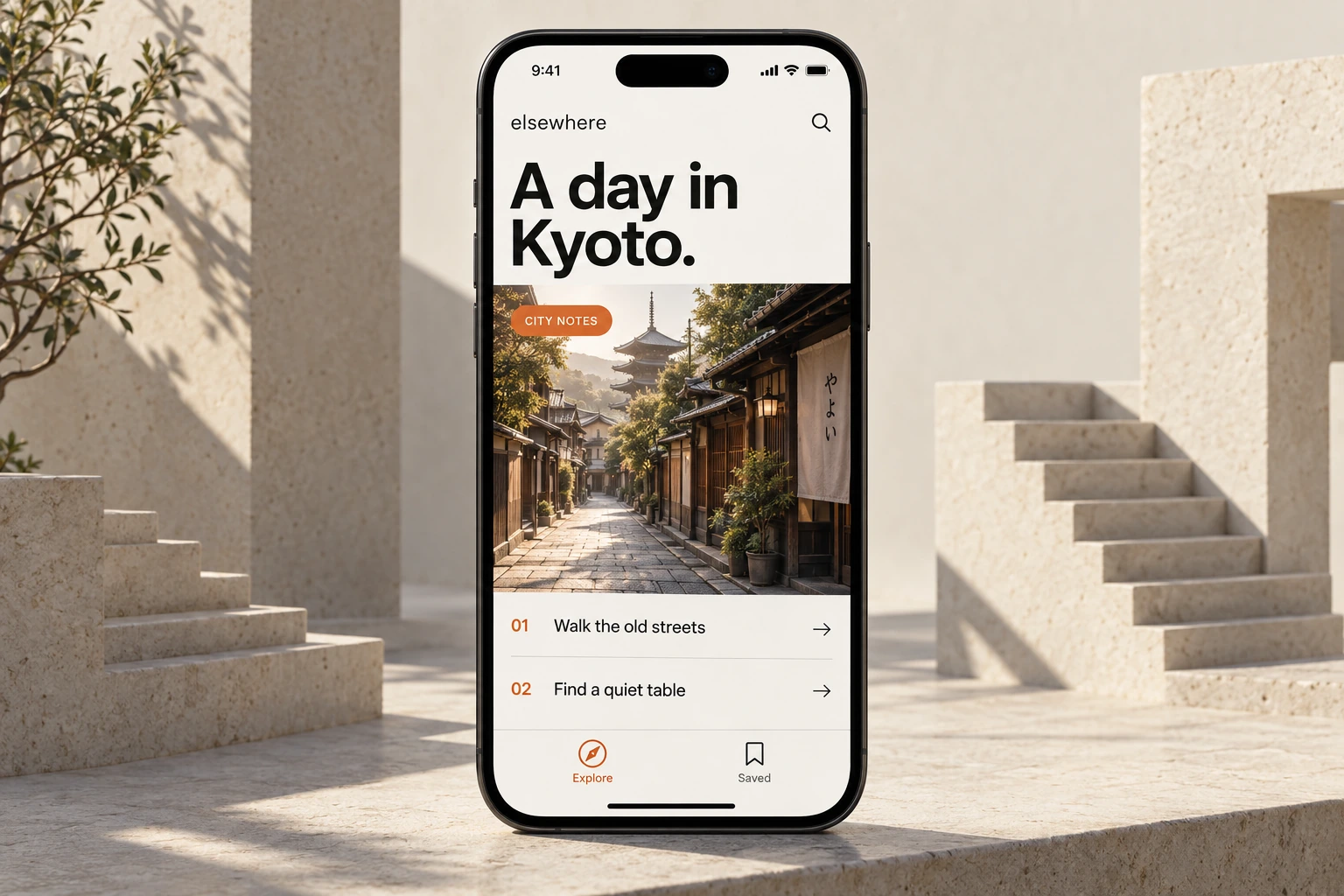
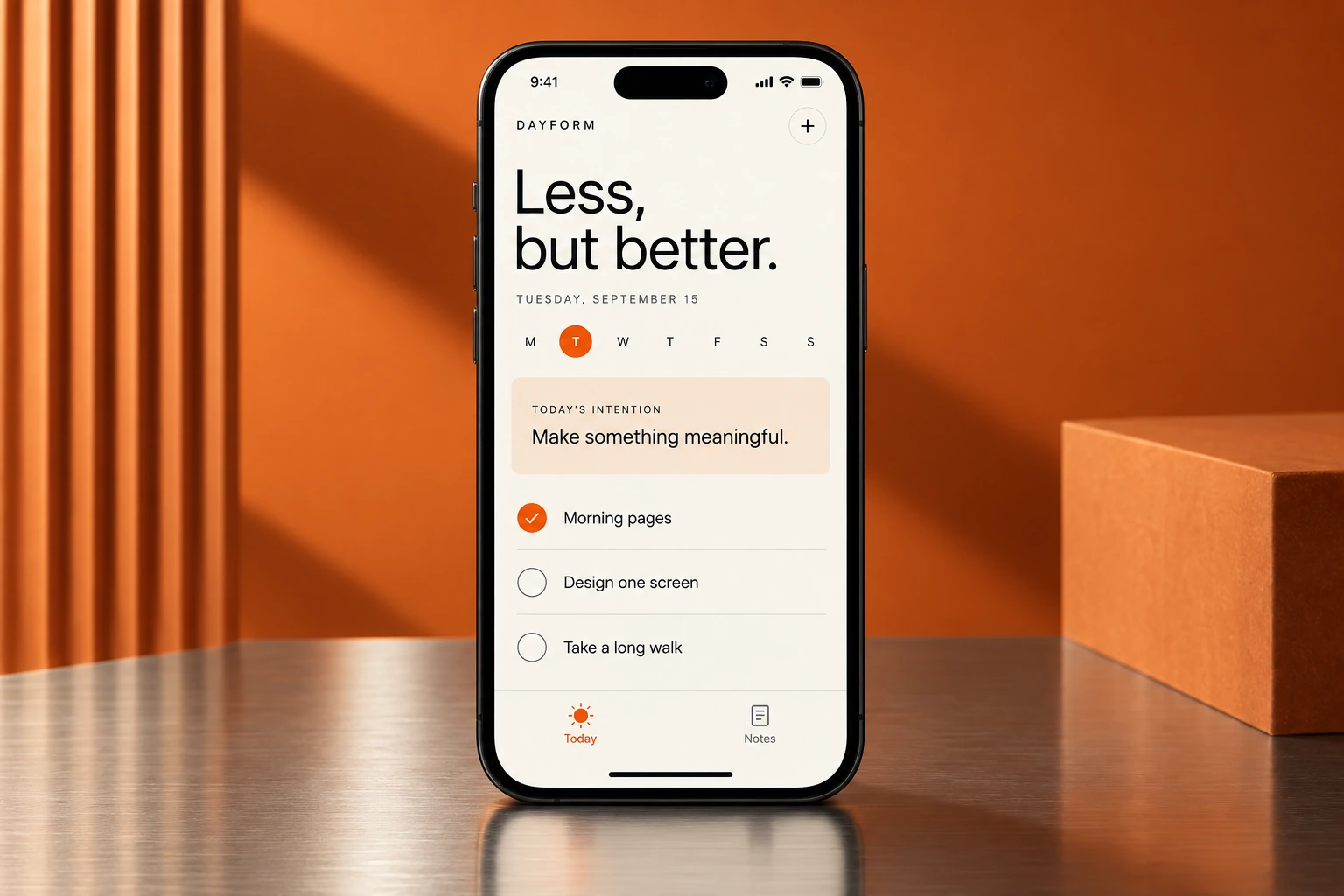
Visual concept studies, not released apps or course projects.

How I build.
I'm Arian. I build apps with AI and direct how they look and work. These courses show the steps, the decisions, and the fixes, with projects you can follow and make your own.
 Arian RoustaApps, design, and AI
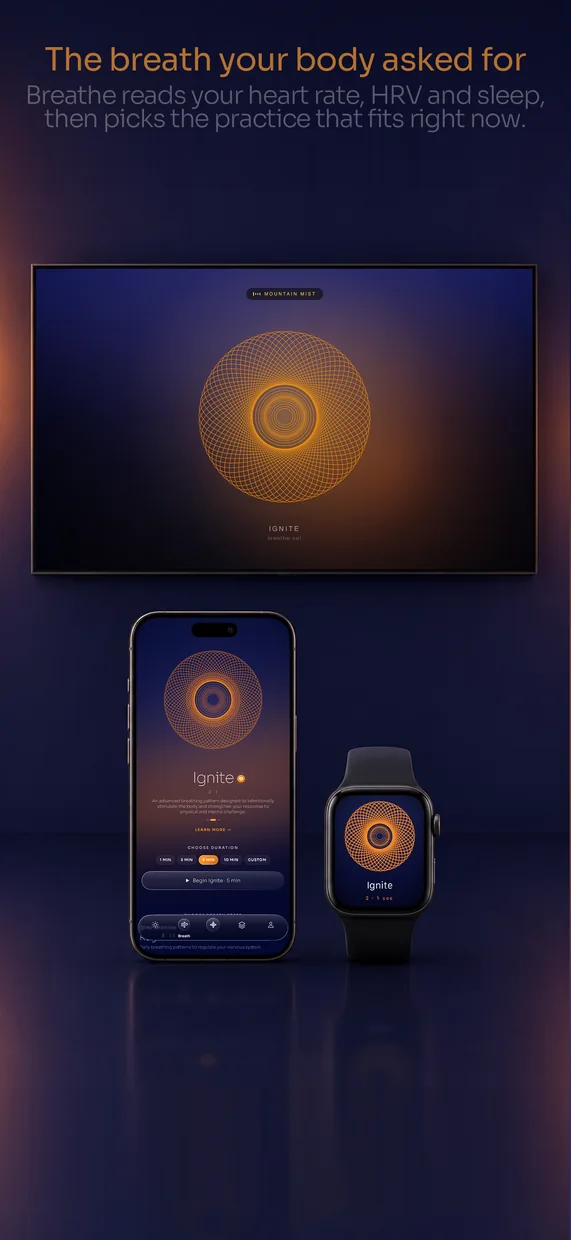
Selected work
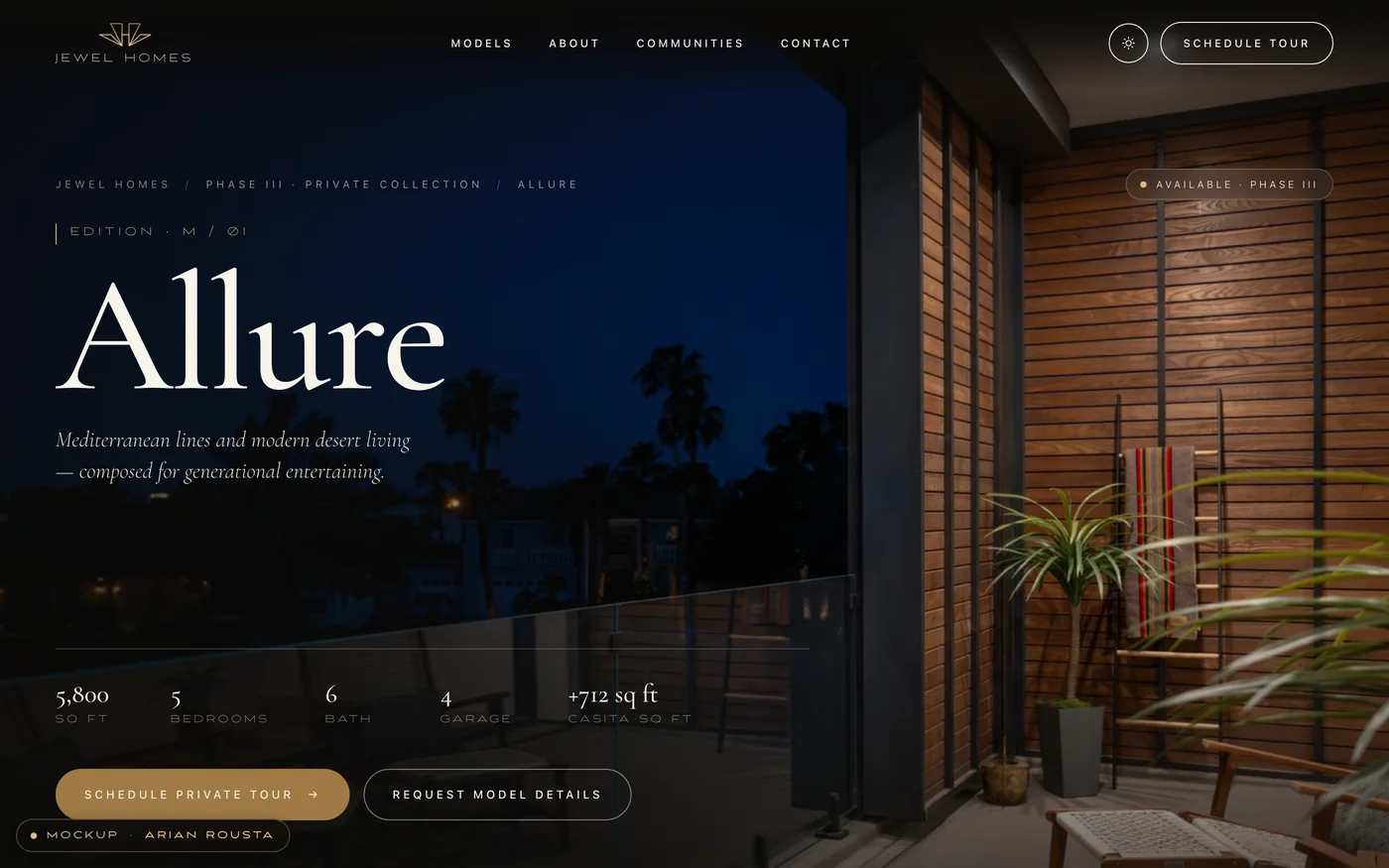
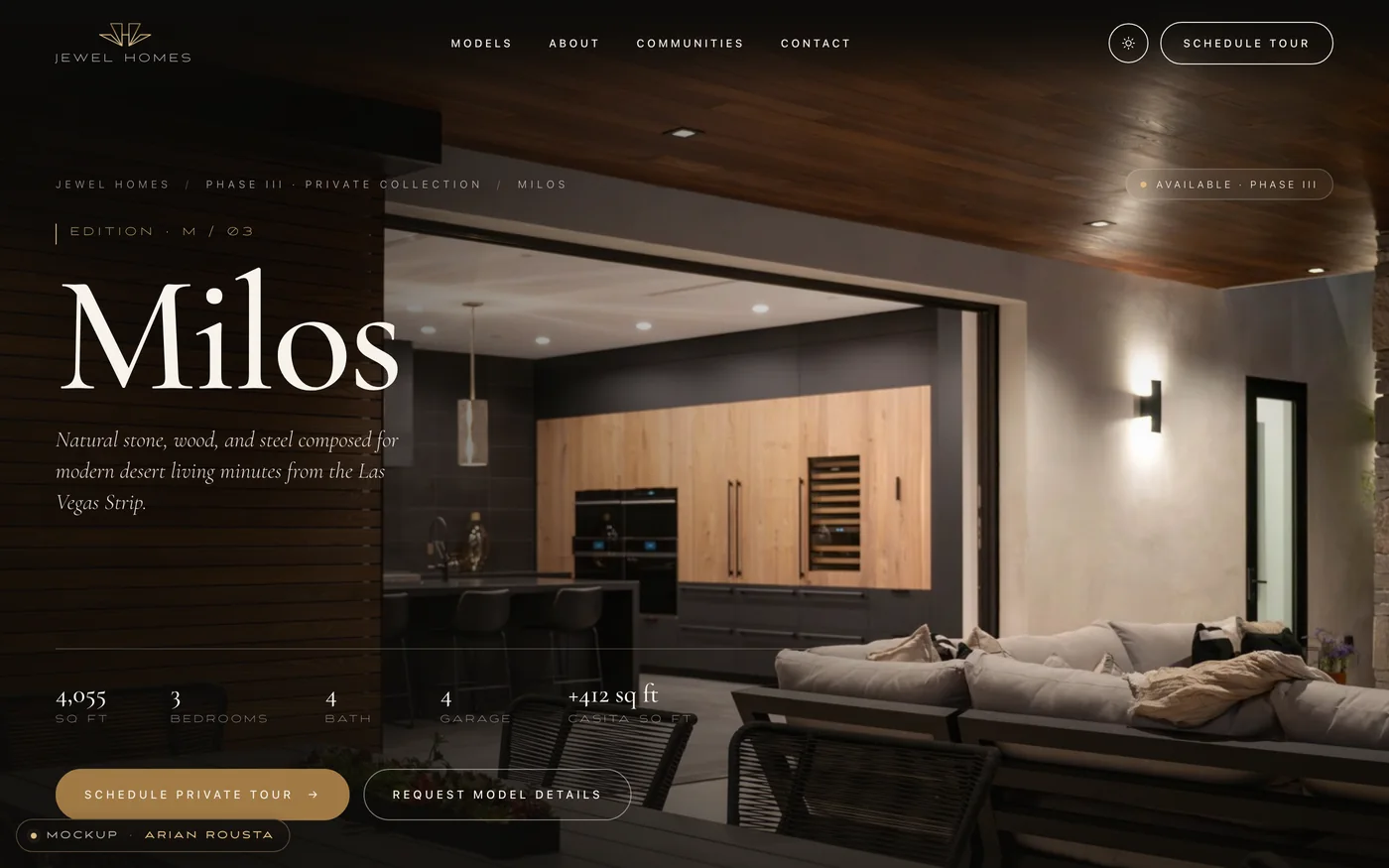
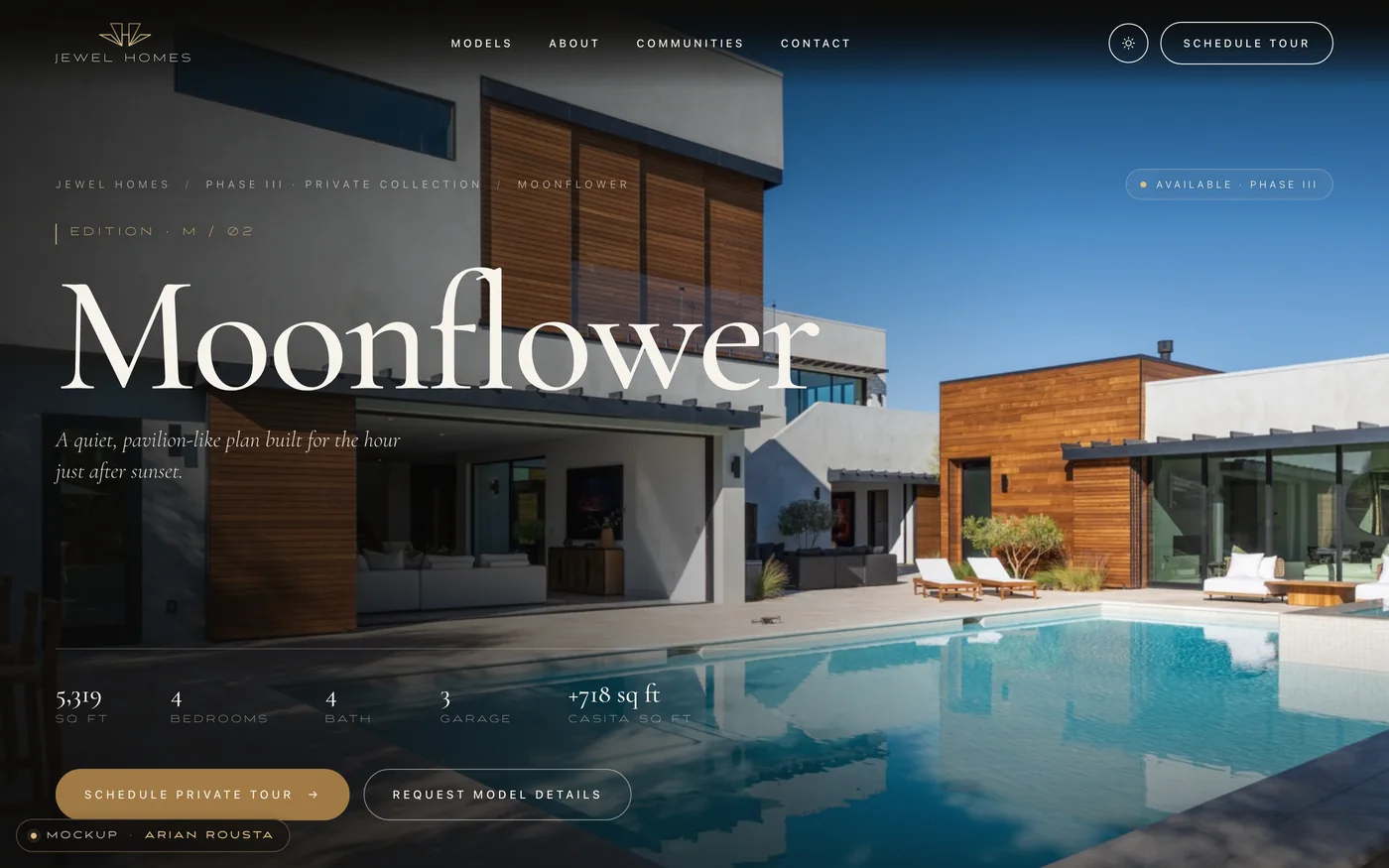
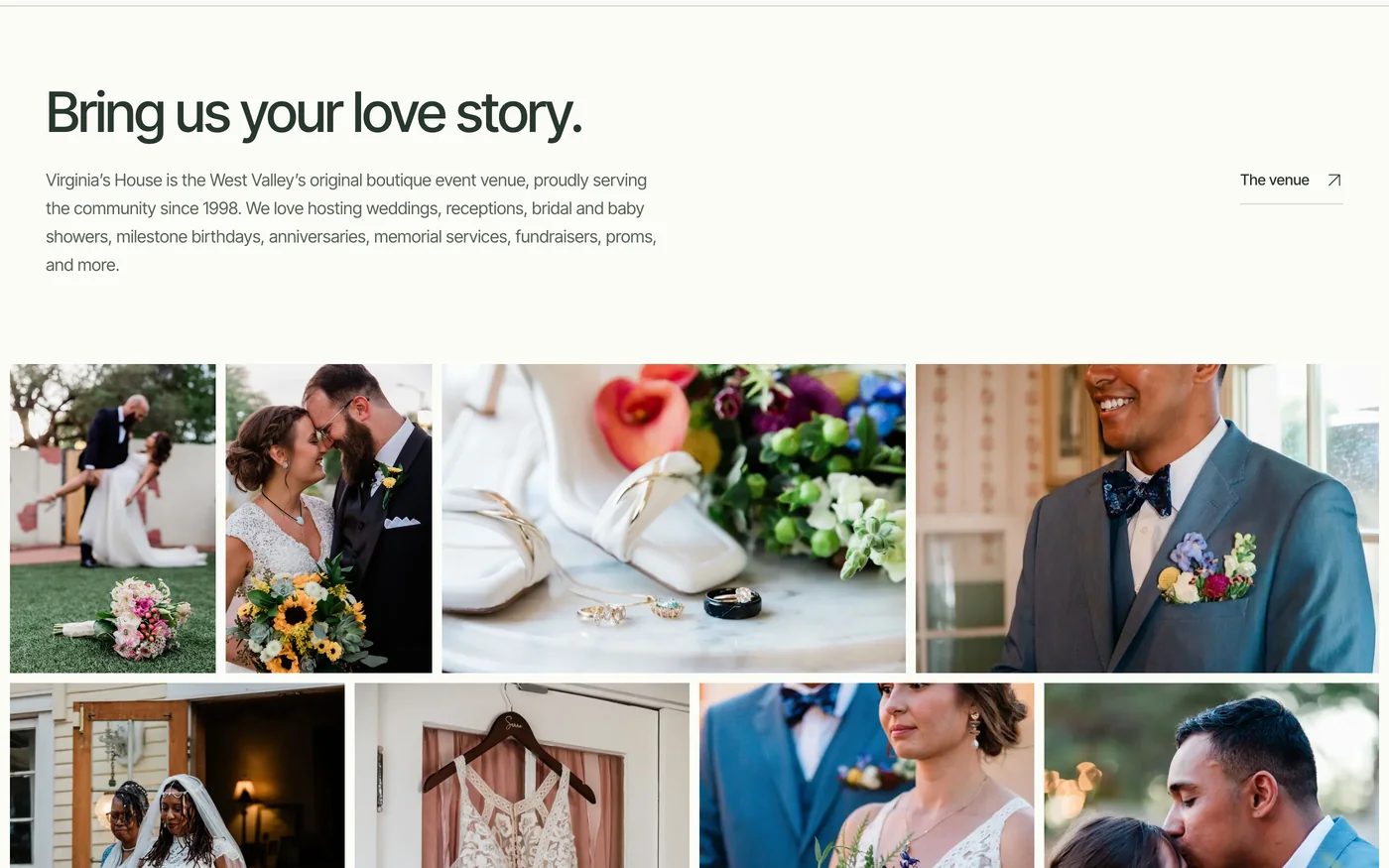
Apps and websites I've designed and built.
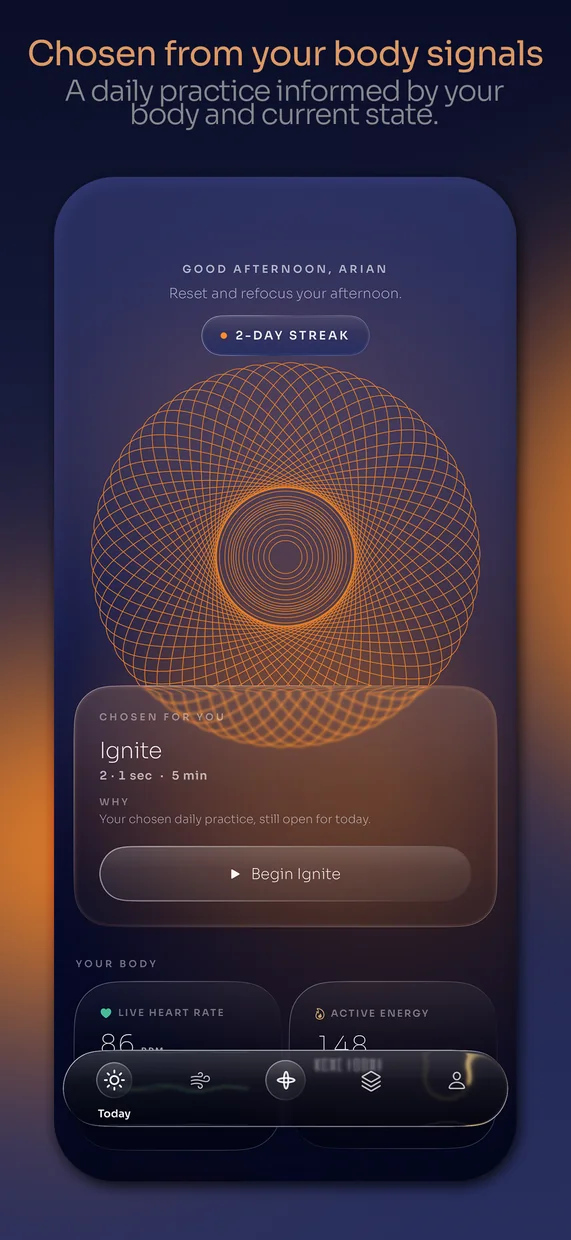
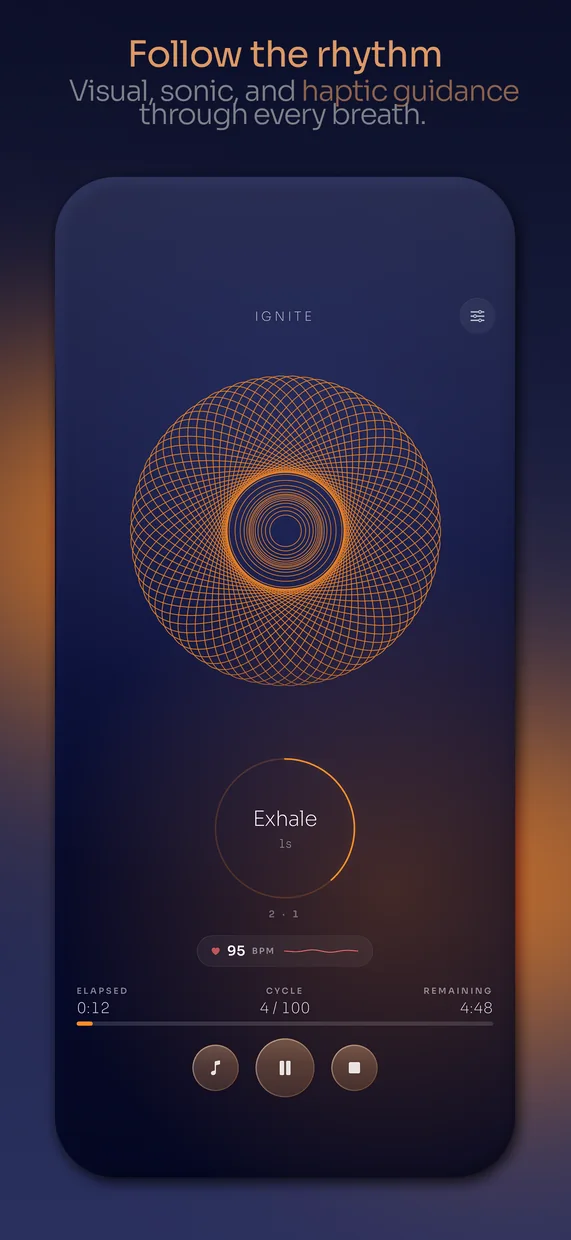
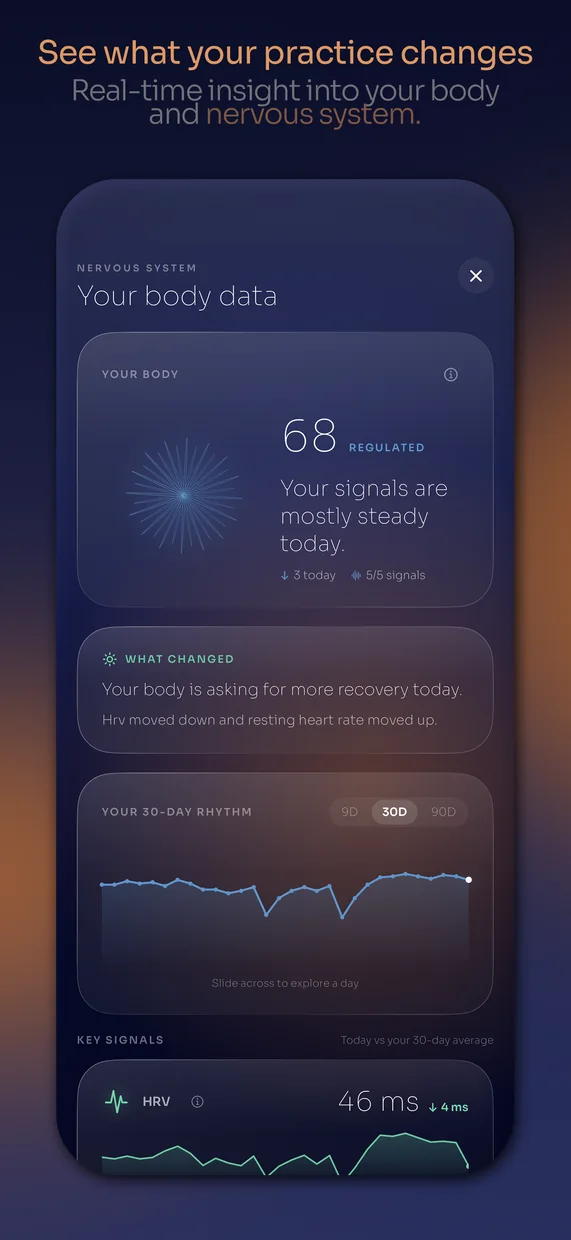
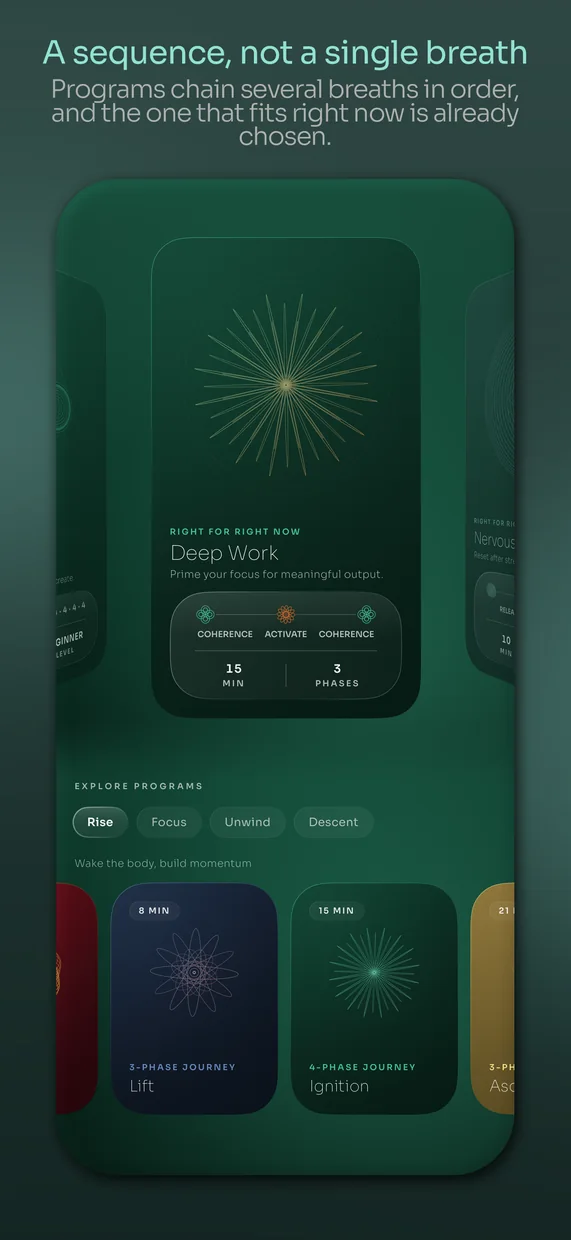
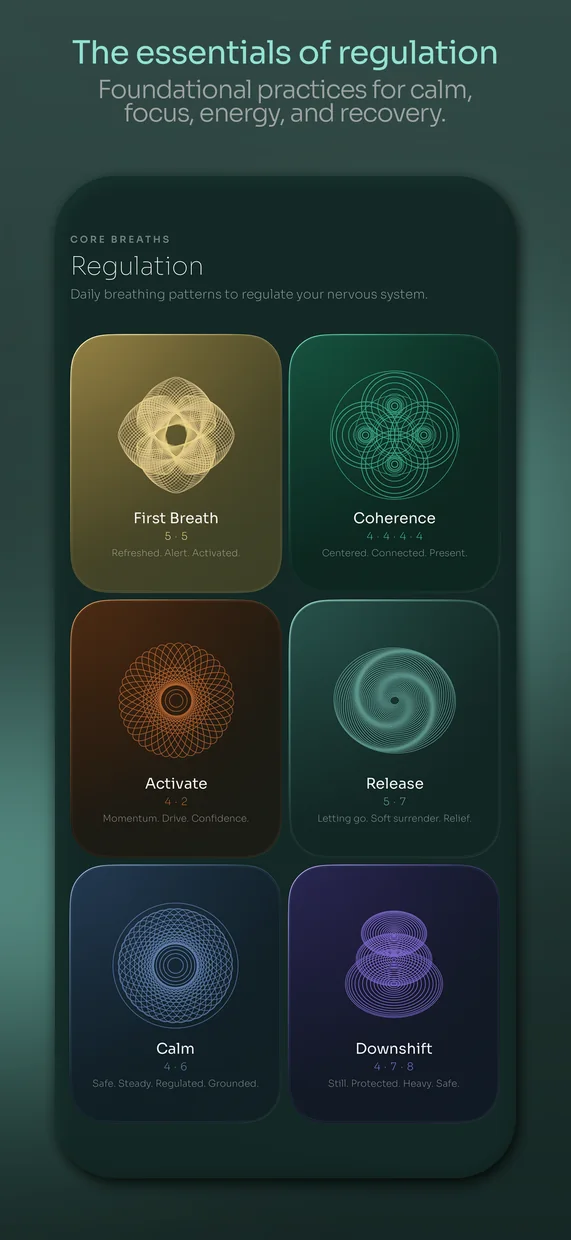
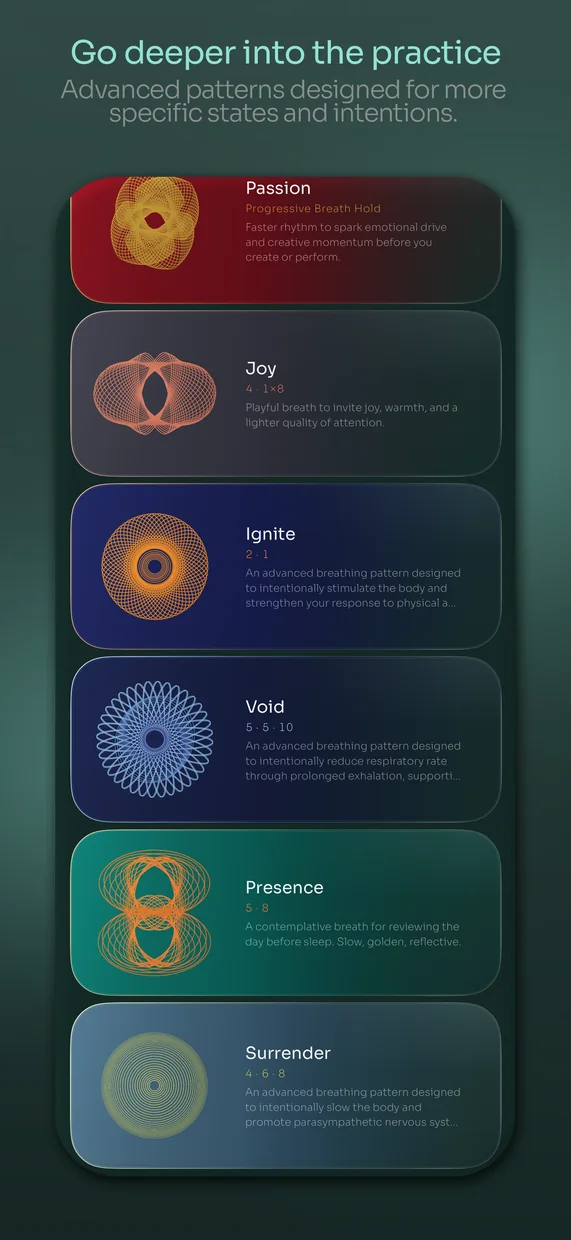
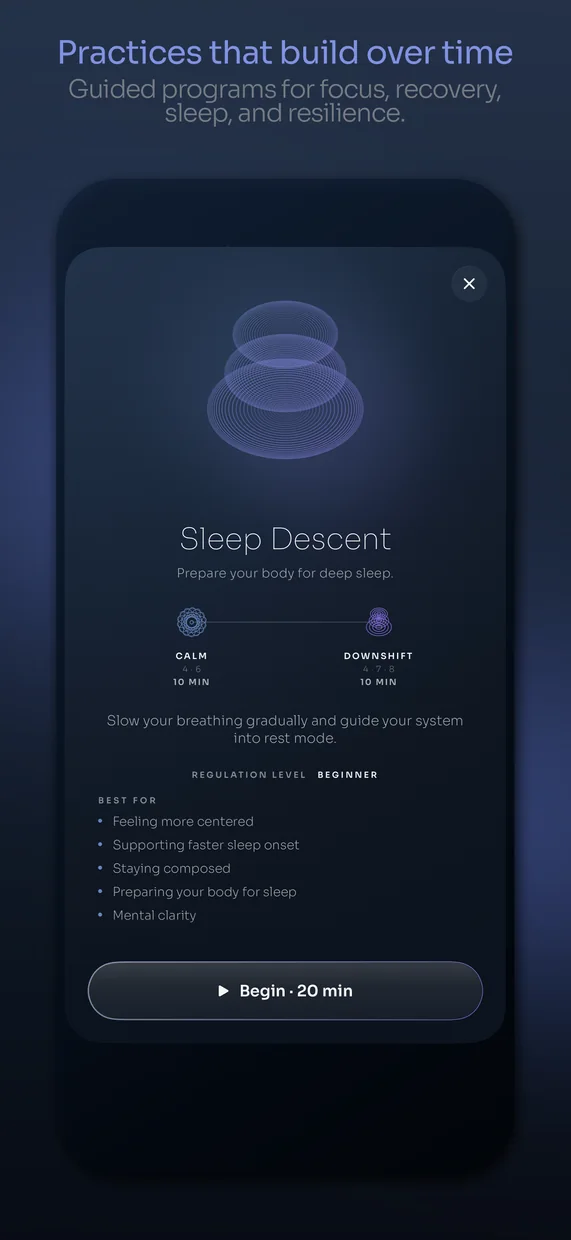
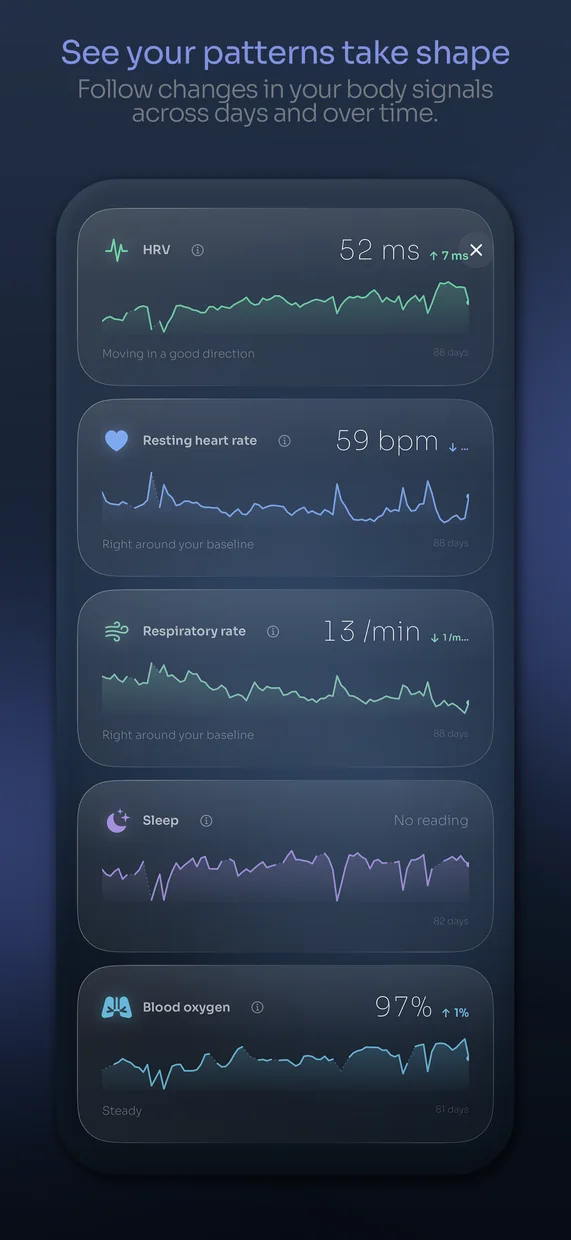

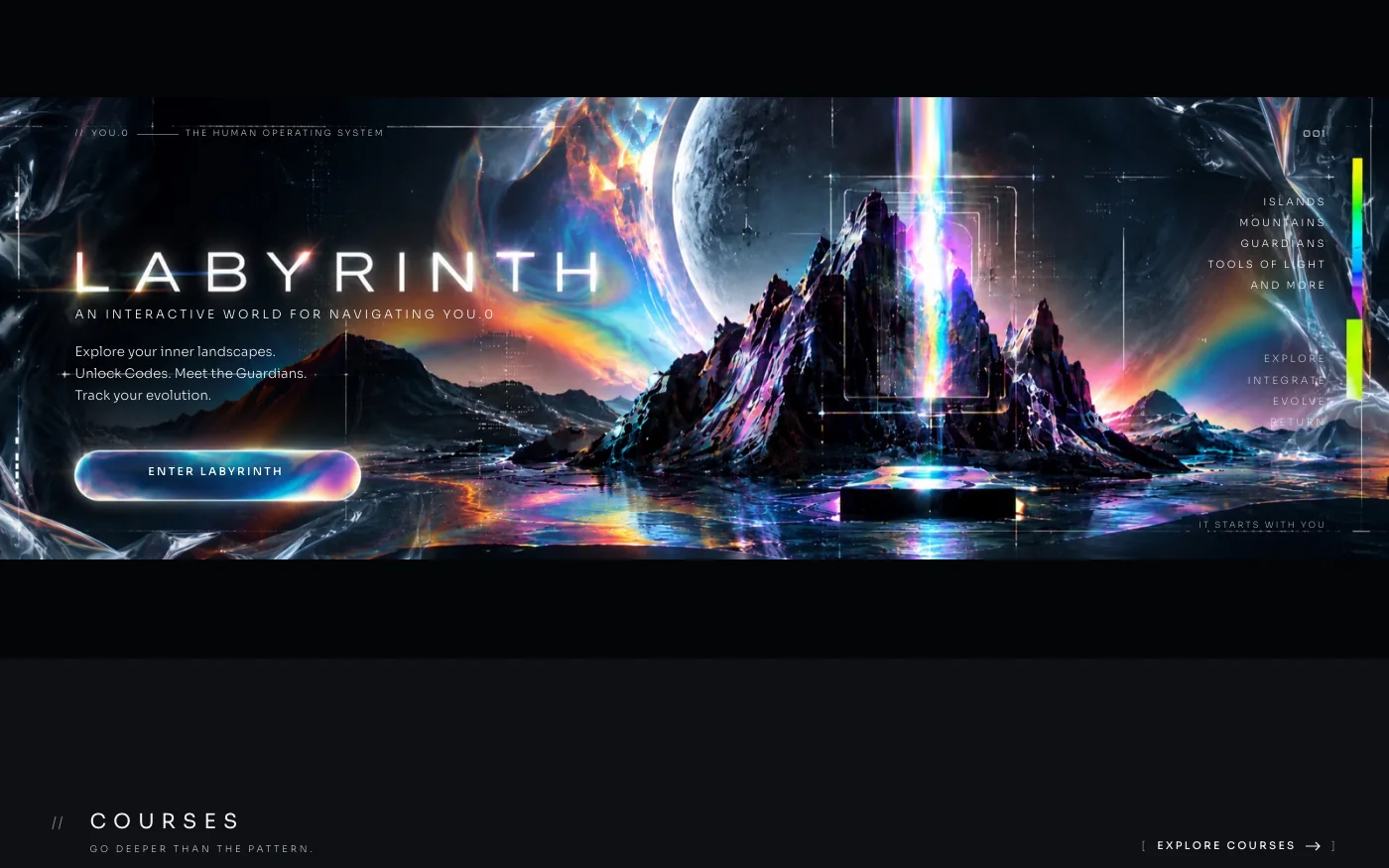
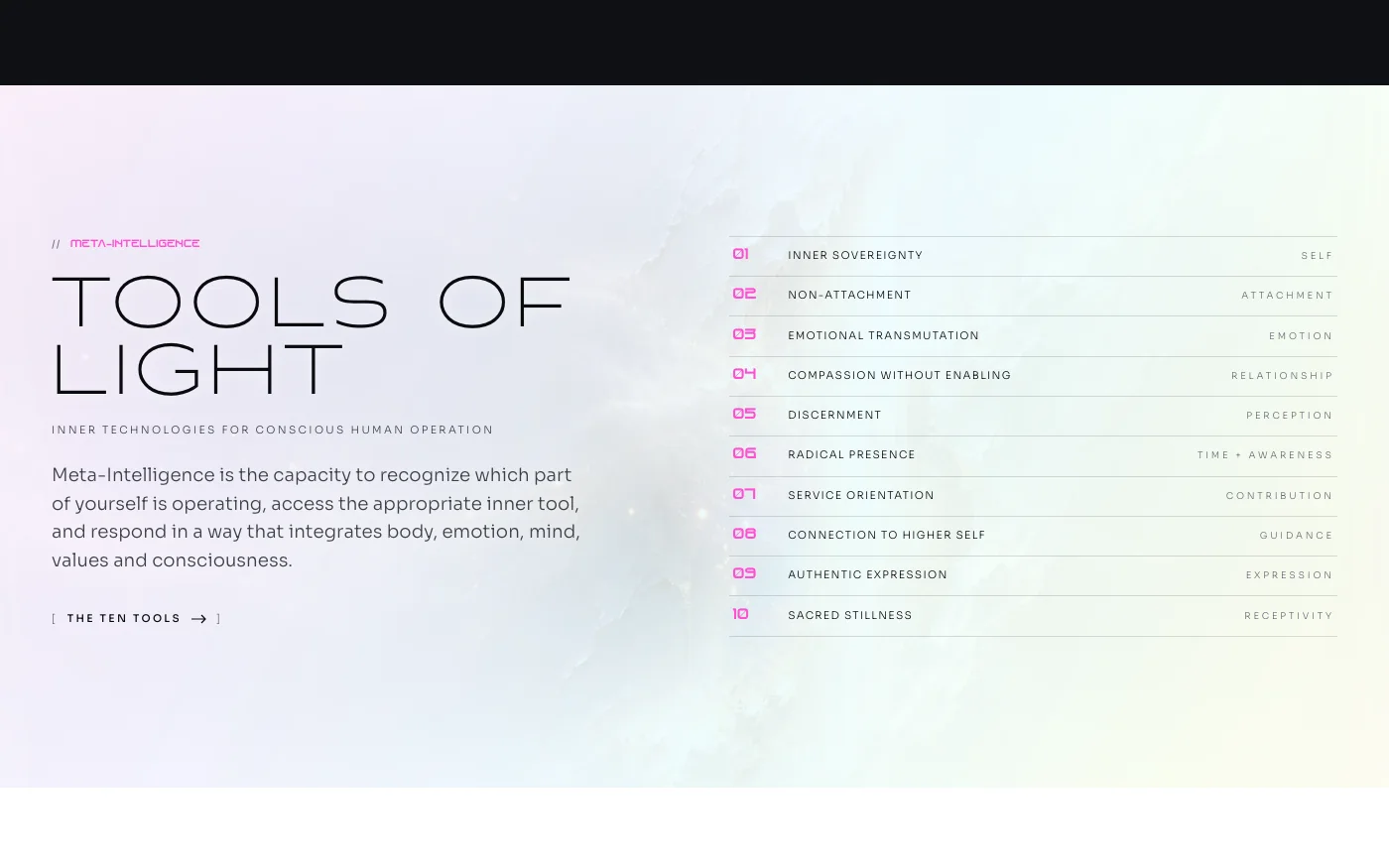
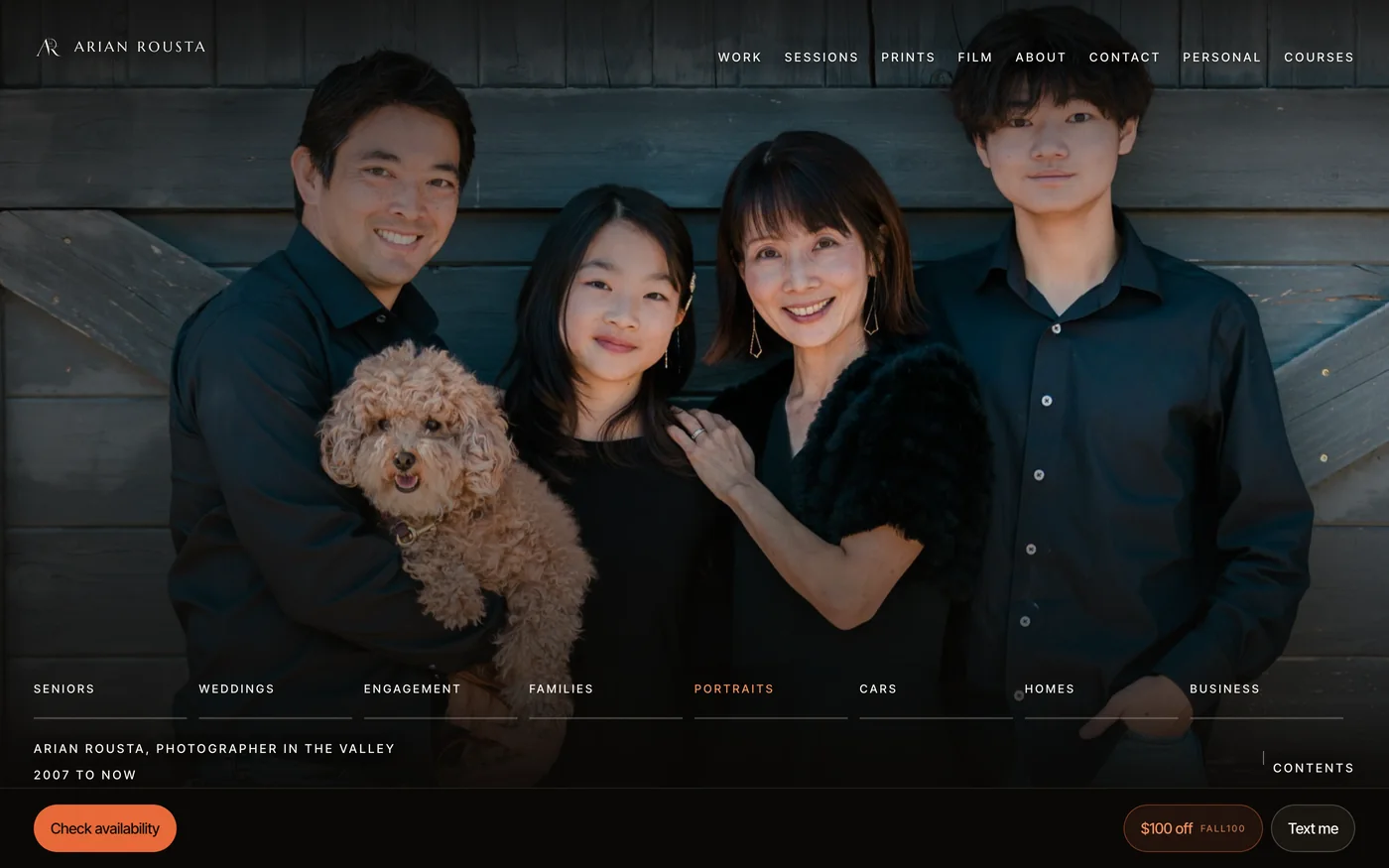
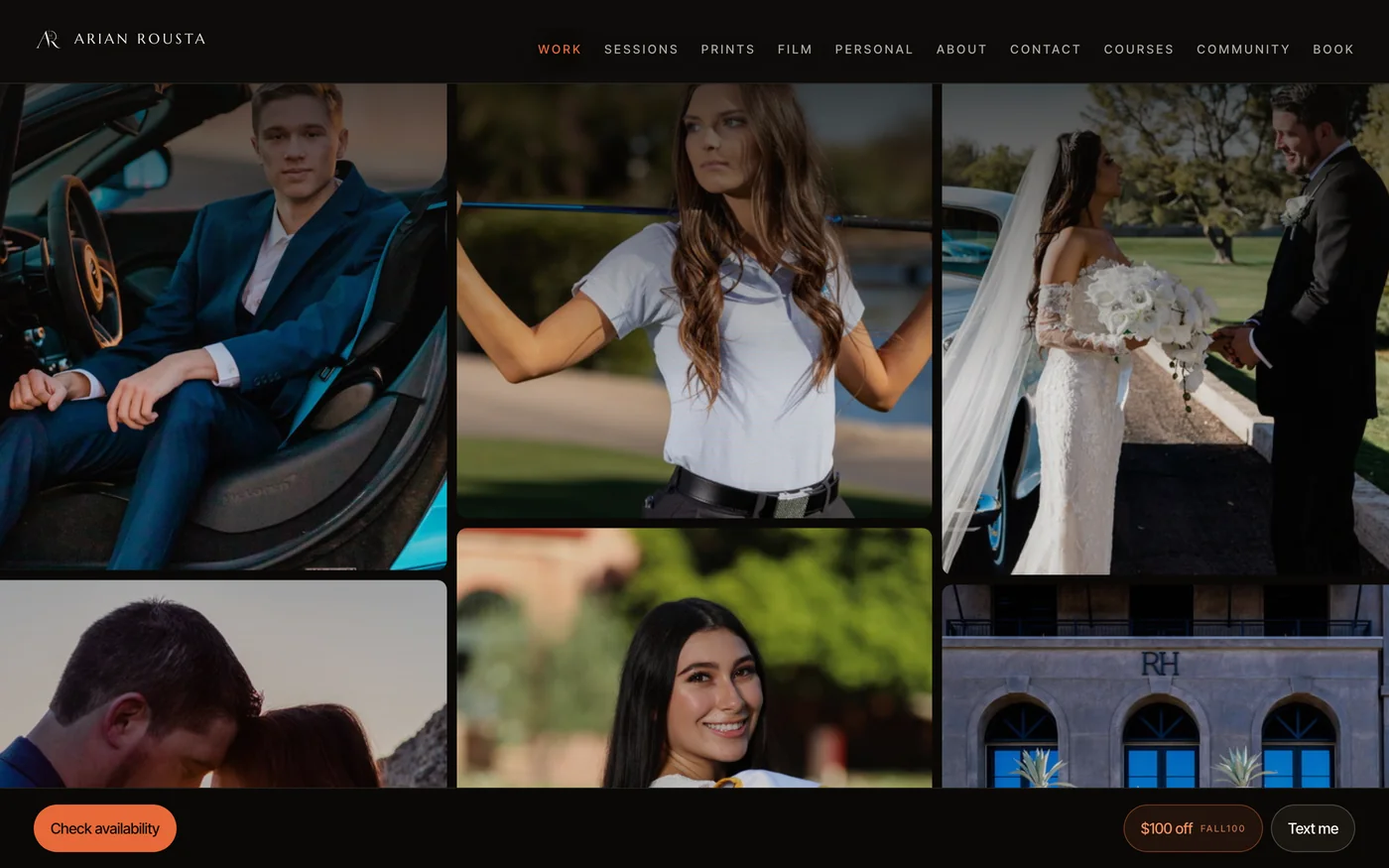

Get the coursewhen it opens.
Choose the course updates you want. No account is needed.
18+ onlyWill the booking or contact button actually work?
Yes. You connect the main action to an existing booking or inquiry service you control and test it from the visitor side and your own account. No custom backend is required.
Do I need to know how to code?
No previous coding experience is required for course 1. You will still learn how to describe a change, inspect what happened, test it and recover when it goes wrong.
Can I use a Windows computer?
Yes, for the tested course-1 and course-2 workflows. Course 3 uses a compatible Mac and Xcode.
Can I build using only my phone?
Not with the workflow taught here. Use a supported computer to build and your phone to test the result.
Will my first app be in the App Store?
No. Course 1 creates a home-screen web app. Native iPhone development and submission are covered in course 3.
Can I build a different idea?
Course 1 uses one small project so the instructions stay clear. Course 2 teaches you to adapt the process to your own small app. It is not a promise that every possible app fits the same scope.
Are the tools included in the price?
The listed teaching files and course tools are included. Third-party software, hosting upgrades, hardware and developer memberships are separate. Check the requirements before purchase.
Can I start with course 2 or 3?
Yes, once they are released. Higher packages include the earlier courses, so you can fill any gaps without buying the same material twice.
Is there live teaching?
The courses are prerecorded. Questions and project feedback happen in the community. No recurring live session or guaranteed personal debugging service is included.
Can I reuse the included project?
You can adapt the teaching project according to its included license. Your purchase does not include the production source of breathe or unrestricted resale of course materials and third-party assets.
Does the app save my data?
The first teaching app saves ordinary task data locally. It is not cloud sync, and clearing browser data can remove it. You will learn the limits and how later recovery options work.