What you will build
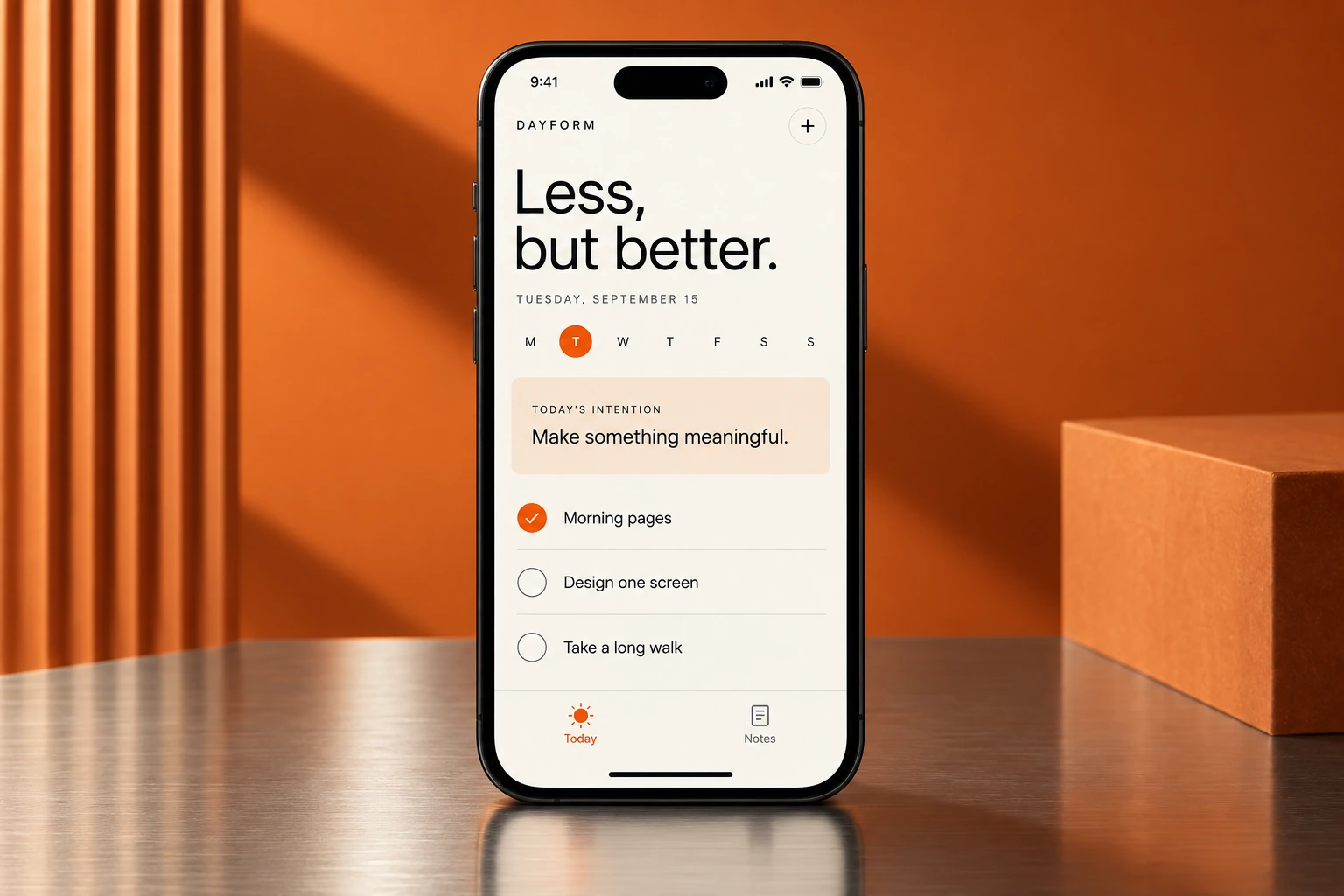
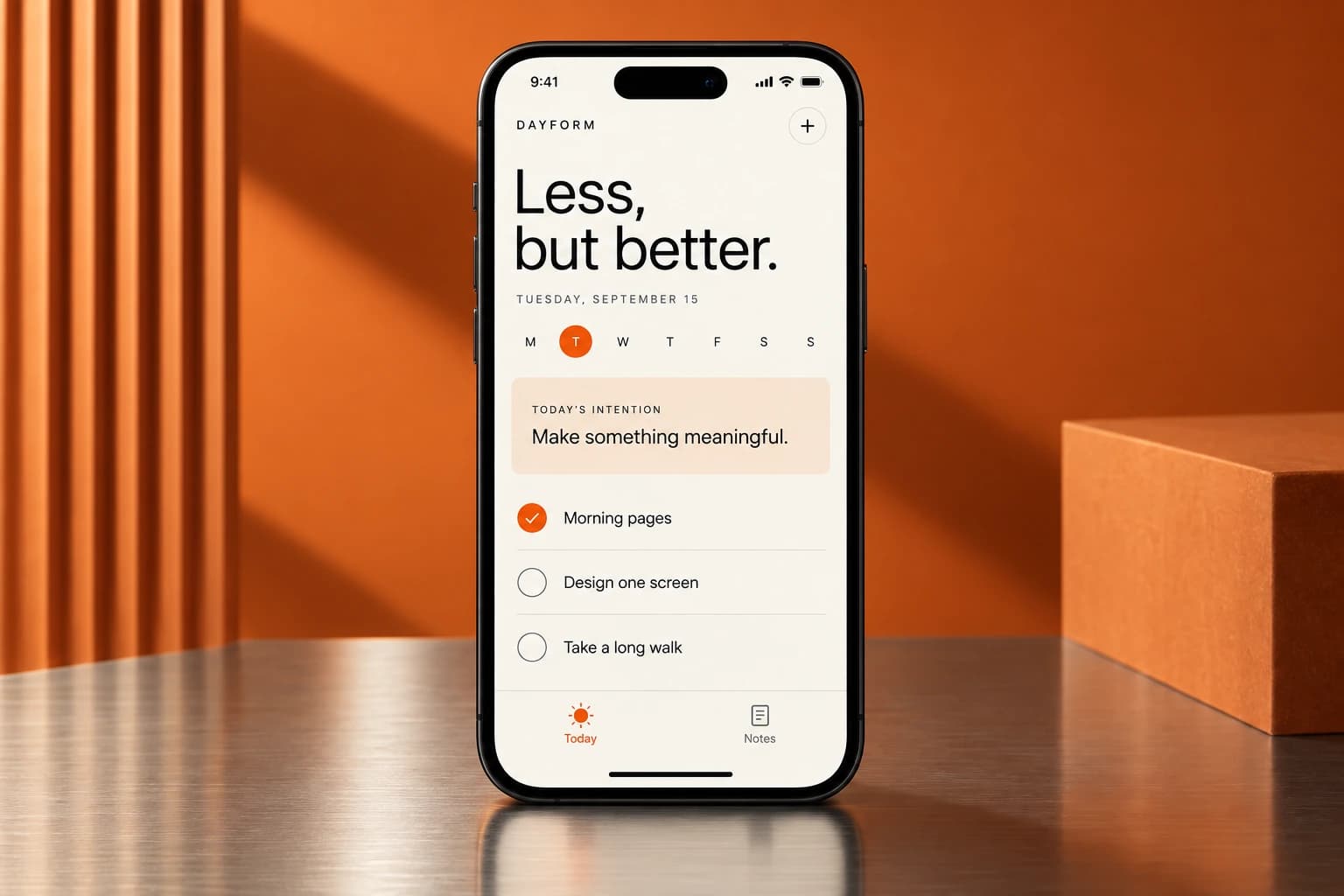
A daily checklist, a focus timer, and a few appearance controls. Your app will run in a browser and open from your phone home screen.

Build a personal habit app with AI, make it your own, and add it to your phone home screen.
Lessons are being prepared. Get an email when the course opens.
A daily checklist, a focus timer, and a few appearance controls. Your app will run in a browser and open from your phone home screen.
Start a project in Claude Code, build and change it with clear requests, check the result, save a working version, and publish it.
The lessons, copy-and-paste prompts, a finished teaching project, recovery checkpoints, the included original asset set, and access to the course community under the published participation terms.
Follow the build from a clean folder. The finished teaching project and checkpoints are there when you need a reference or a place to restart.
You need a supported Mac or Windows computer, an eligible Claude plan, and a compatible phone for the home-screen steps. No coding experience is required. This version of the course is for adults.
Claude Pro is currently $20 per month before applicable tax. Usage limits apply and the subscription is not included in the $19 course price. Existing subscribers may not need an additional purchase. The personal noncommercial teaching project can use Vercel Hobby; commercial projects require an appropriate plan. Provider pricing can change.
Designed as an afternoon project. Final lesson length and tested setup guidance will be added before the course opens.
This is not an App Store submission course. The teaching app does not include accounts, cloud sync, payments or a custom AI assistant. Those are different steps, not hidden requirements for finishing this course.
The outline is here. The lessons are not available yet.
 Module illustration
See the finished project and understand the few tools you will use.
Preview a personal checklist, a focus timer, and a few appearance controls. Separate a home-screen web app from an App Store app.
Use boxes and arrows to explain the computer, Claude Code, local files, local Git checkpoints, Vercel, and the iPhone.
 Module illustration
Start in a clean folder, open Claude Code, and save the first working version.
Install the supported desktop app, sign in to an eligible plan, find the Code tab, and review permissions and usage.
Create the smallest web project and run it locally before adding product features.
Introduce Git as local version history, not as a cloud service.
 Module illustration
Make a small app do a useful job before decorating it.
Describe the screens, behavior, limits and checks for the next small slice.
Build Today with create, edit, delete and reversible completion actions.
Save state locally and key completions to a local calendar date rather than erasing history.
 Module illustration
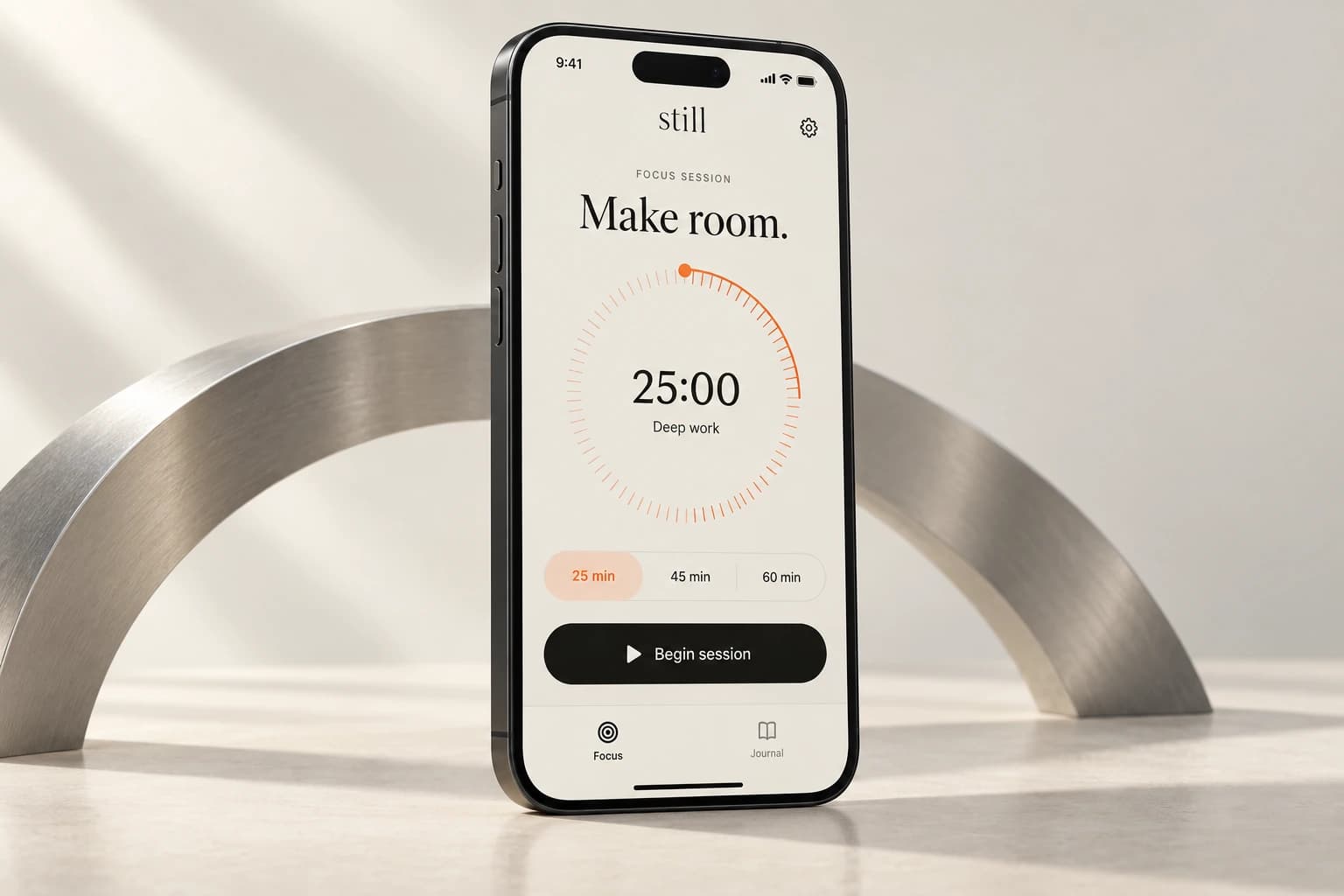
Add a reliable timer and a small, consistent visual identity.
Use an end timestamp so the display can recover after a suspended tab; add start, pause, resume and reset.
Make restrained, meaningful changes using a small set of coherent appearance choices.
Use the included original icon or demonstrate an optional image-generation route, then prepare correct asset files.
 Module illustration
Learn how to tell whether a change is real and how to recover when it is wrong.
Compare the actual preview with the requested change and run a short behavior checklist.
Reproduce a useful bug, report expected and actual behavior, constrain the fix, and restore a checkpoint when needed.
 Module illustration
Deploy straight from the computer and test the iPhone home-screen experience.
Link the local project to Vercel and create a preview deployment without GitHub.
Promote the checked deployment, then verify the manifest, icons and small offline app shell on the live URL.
Follow the verified iPhone Safari installation path and test the installed web app. Android installation is explicitly untested at launch.
 Module illustration
Make one independent change and know how to keep going.
Transfer the build loop by choosing a small new behavior or layout change.
Explain source downloads, checkpoints, their license, local-data limits and the next course.
Course 2 teaches the design decisions, prompting method and project systems behind a more independent build.
See course 2 ↗Apps and websites I've designed and built.
Start with an empty project and finish with a polished one-page website you can open on your phone and send to other people. No coding experience required.
Coming soonView course
Follow Arian as he develops a stronger visual identity, adds deliberate motion, and expands a one-page website into a connected three-page site.
Coming soonView courseBuild a personal habit app with a checklist, a focus timer, and your own look. Add it to your phone home screen.
Coming soonView courseMove beyond copied prompts. Learn to scope your idea, direct AI, and build an app with a consistent design.

Build a native iPhone app, test it, add useful Apple capabilities, and prepare your App Store submission.

Build a small operating system that helps AI remember the work, report clearly, hand off cleanly, and run one recurring job without you.
Coming soonView courseChoose the course updates you want. No account is needed.
18+ onlyYes. You connect the main action to an existing booking or inquiry service you control and test it from the visitor side and your own account. No custom backend is required.
No previous coding experience is required for course 1. You will still learn how to describe a change, inspect what happened, test it and recover when it goes wrong.
Yes, for the tested course-1 and course-2 workflows. Course 3 uses a compatible Mac and Xcode.
Not with the workflow taught here. Use a supported computer to build and your phone to test the result.
No. Course 1 creates a home-screen web app. Native iPhone development and submission are covered in course 3.
Course 1 uses one small project so the instructions stay clear. Course 2 teaches you to adapt the process to your own small app. It is not a promise that every possible app fits the same scope.
The listed teaching files and course tools are included. Third-party software, hosting upgrades, hardware and developer memberships are separate. Check the requirements before purchase.
Yes, once they are released. Higher packages include the earlier courses, so you can fill any gaps without buying the same material twice.
The courses are prerecorded. Questions and project feedback happen in the community. No recurring live session or guaranteed personal debugging service is included.
You can adapt the teaching project according to its included license. Your purchase does not include the production source of breathe or unrestricted resale of course materials and third-party assets.
The first teaching app saves ordinary task data locally. It is not cloud sync, and clearing browser data can remove it. You will learn the limits and how later recovery options work.