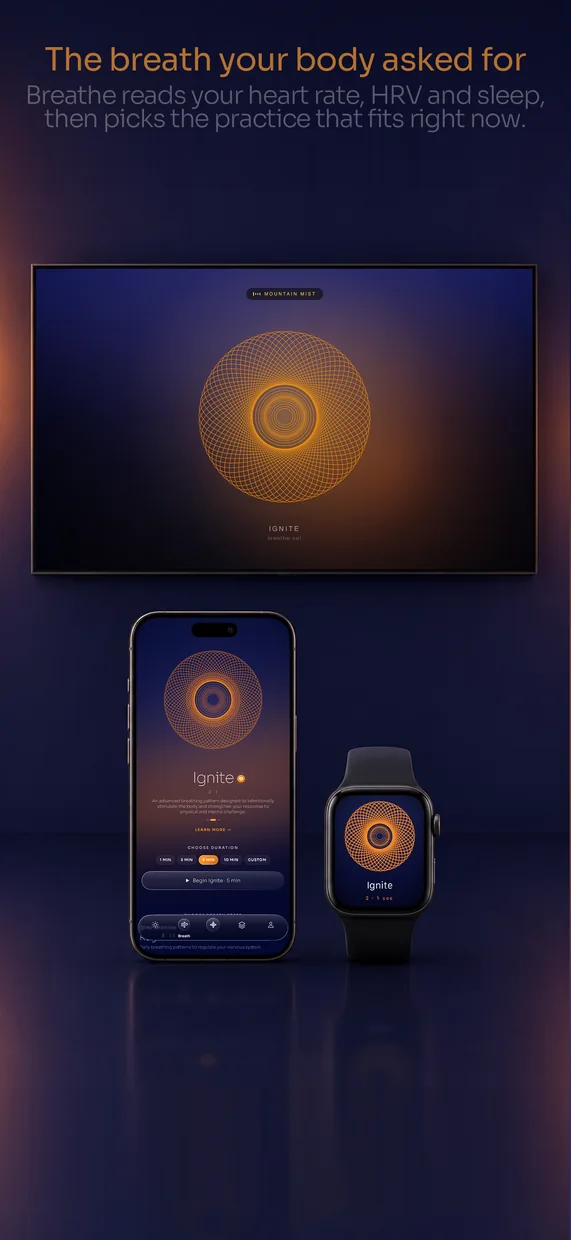
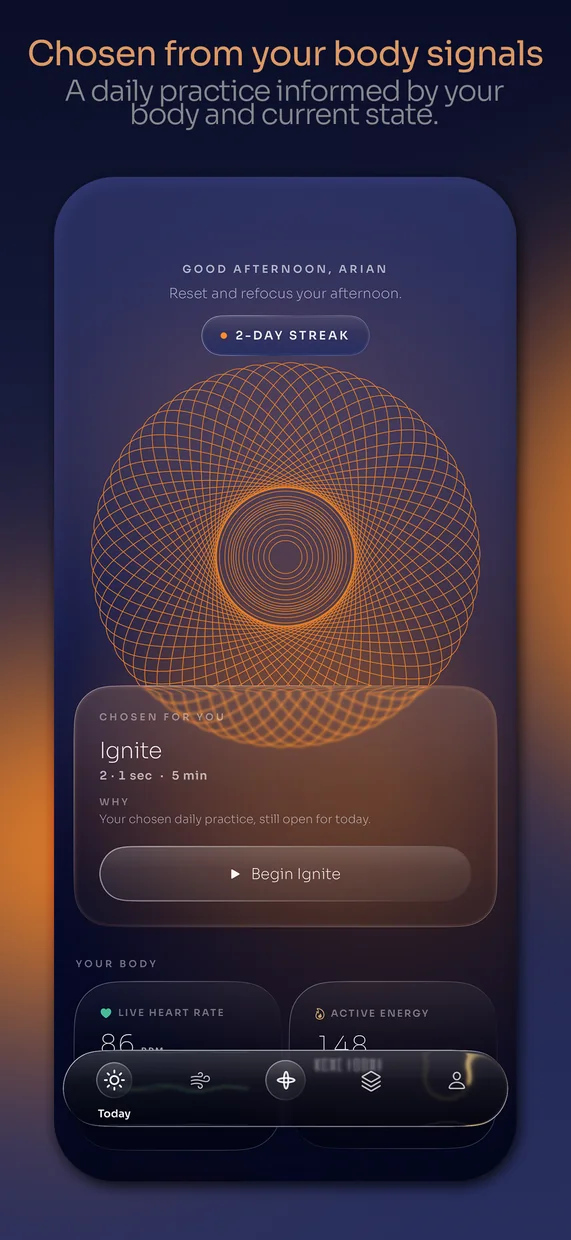
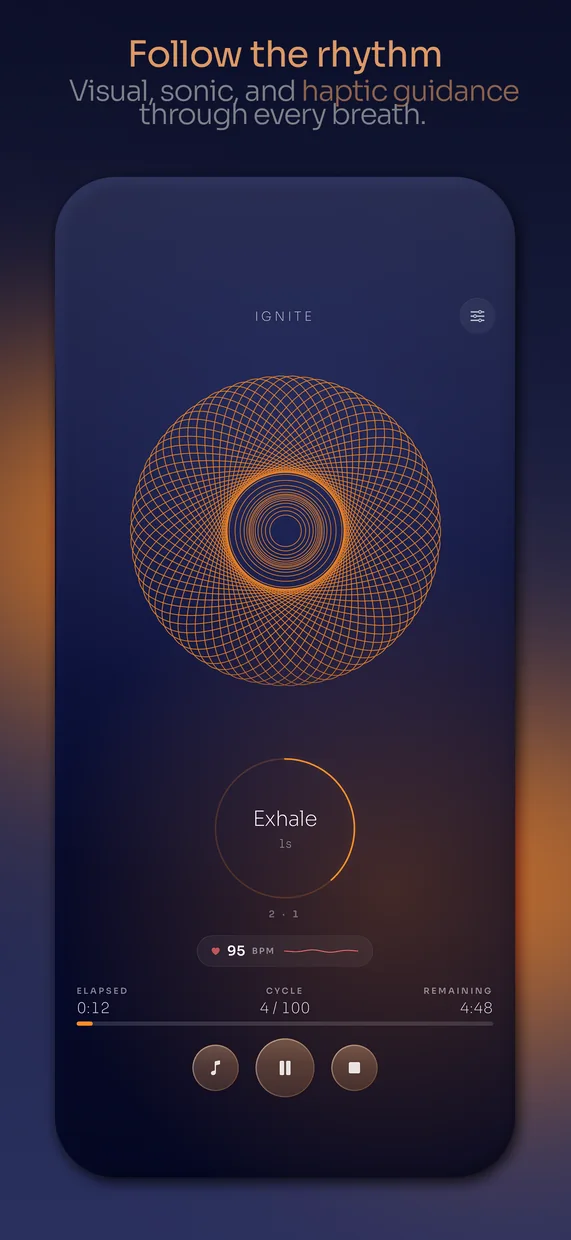
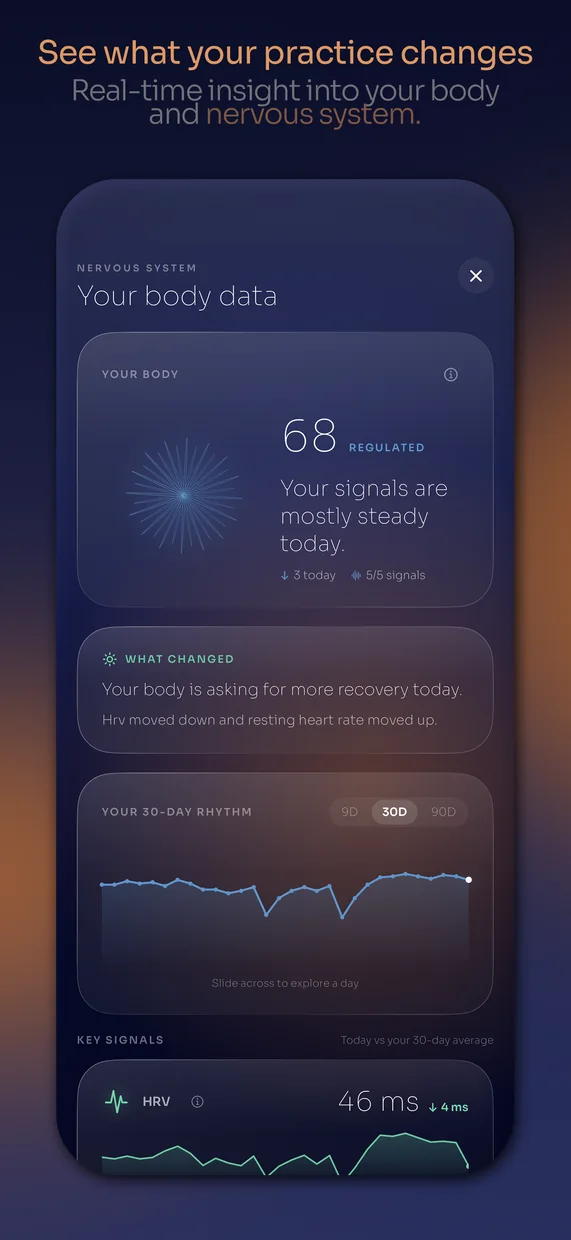
The native step
Bring your product idea and visual direction into SwiftUI. You will learn what carries over from a web app and what needs to be built differently.

Build a native iPhone app, connect the features it needs, and work through testing, purchases, and App Store submission.
Bring your product idea and visual direction into SwiftUI. You will learn what carries over from a web app and what needs to be built differently.
Native screens and data, optional cloud accounts when the product needs them, widgets, App Intents, purchases, privacy, TestFlight, submission and updates.
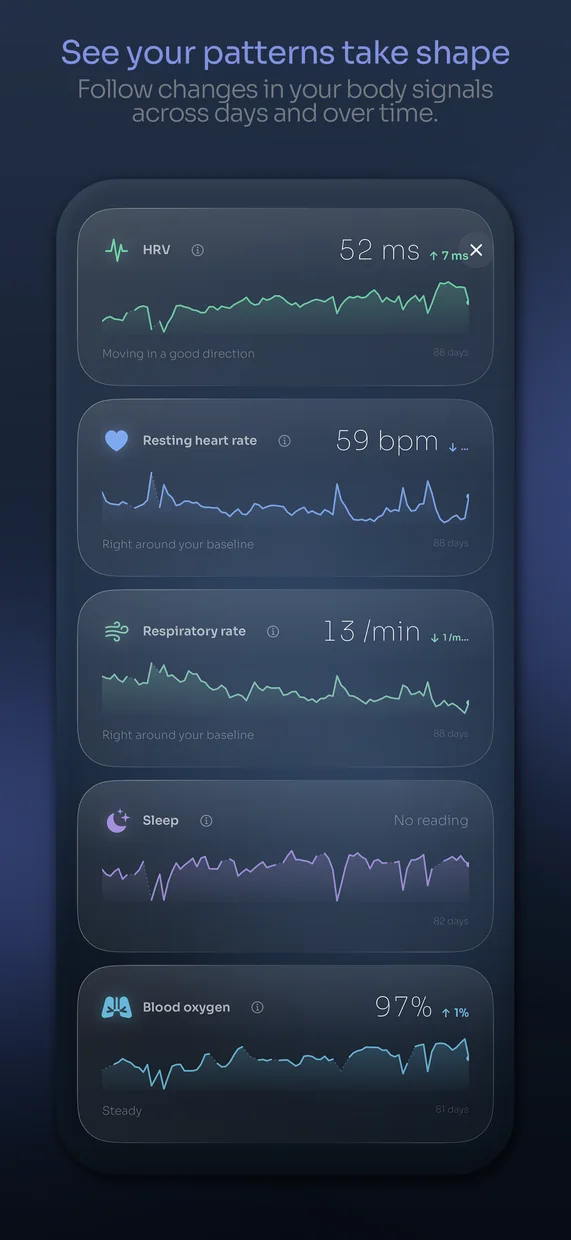
Focused case studies for HealthKit, Apple Watch, HomeKit, another Apple screen, and a server-backed AI feature. Each lab will list its own hardware and testing requirements. The project-HQ material now lives in the separate studio track.
A compatible Mac and supported Xcode version are required for the workflow taught here. Distribution requires an Apple Developer Program membership, currently $99 per year in the US, with regional differences. A physical iPhone is needed for the device-testing steps. Some optional labs require additional hardware.
You will learn the submission process. Apple decides whether an app is approved. The course does not guarantee approval, revenue, or acceptance of an unchanged template app.

The outline is here. The lessons are not available yet.
 Module illustration
Understand the native route, hardware requirements and the first working build.
Reuse the product model, assets and design direction; understand that SwiftUI screens are a rebuild, not a one-click PWA conversion.
Install a supported stable Xcode version, prepare signing and explain membership requirements.
Ask Claude to implement one SwiftUI screen and run it in the simulator.
 Module illustration
Make a coherent SwiftUI app with deliberate native interaction.
Map the existing flows into SwiftUI navigation and app state.
Translate visual intent into native typography, layout, materials and states.
Handle app lifecycle, interruptions, keyboard, haptics and motion preferences.
 Module illustration
Make local persistence and migration reliable before adding a server.
Define records and a small persistent store appropriate to the app.
Use a documented export schema rather than assuming web storage appears in the native app.
Plan schema changes, corruption handling and user-visible recovery.
Module illustrationTeach a small secure cloud pattern without making accounts mandatory for every app.
Separate device data, account data, secrets, backups and optional AI calls.
Implement one Supabase-backed account flow with server-enforced access rules.
Model offline changes, error messages, logout and account deletion without pretending sync always succeeds.
 Module illustration
Learn the framework pattern with widgets and App Intents as the core examples.
Find the official documentation, availability, capabilities, permission requirements and test constraints.
Expose a focused piece of app information with WidgetKit and an appropriate shared-data path.
Expose one safe user action to system surfaces with App Intents.
 Module illustration
Build a clear native purchase experience and test its real states.
Match charging to a real product benefit and define exactly what remains free.
Use the current StoreKit purchase flow and verified transaction entitlements.
Cover expired, refunded, pending, interrupted and offline cases relevant to the chosen model.
 Module illustration
Make disclosure and permissions match the app that actually ships.
List what the app and its SDKs collect, where it goes and why.
Ask only when needed and support denied or unavailable states.
Draft support and privacy information, screenshots, review notes and demo access from verified features.
Module illustrationCollect actual evidence that the release candidate is usable.
Check fresh install, long text, offline behavior, dark/light requirements, reduced motion and supported devices.
Archive, upload and verify availability to intended testers.
Turn tester observations into reproducible fixes and retest the release candidate.
 Module illustration
Prepare a submission without promising approval.
Populate verified metadata, categories, pricing information and device-accurate screenshots.
Select the tested build and observe the actual review state.
Read the issue, reproduce it, change the relevant behavior and explain the fix.
Module illustrationShip updates, monitor truthfully and maintain a usable operating record.
Check the live listing and installed release rather than relying on a dashboard badge.
Use a scoped change, regression checks, migration checks and a rollback or recovery plan.
Use actual usage and support evidence to prioritize one next improvement.
Module illustrationOptional platform case studies. Hardware, permissions and supported environments are stated per lab.
Demonstrate a narrow read-only integration using nonpersonal test data and explicit authorization states.
Build one watch interaction and explain device-dependent synchronization.
Demonstrate one permitted accessory interaction, required capabilities and missing-home/accessory states.
Use the existing product to explain tvOS or another explicitly chosen target without teaching every Apple platform.
Use a replaceable server-side provider layer, explicit user data handling, quotas and a deterministic fallback.
Apps and websites I've designed and built.
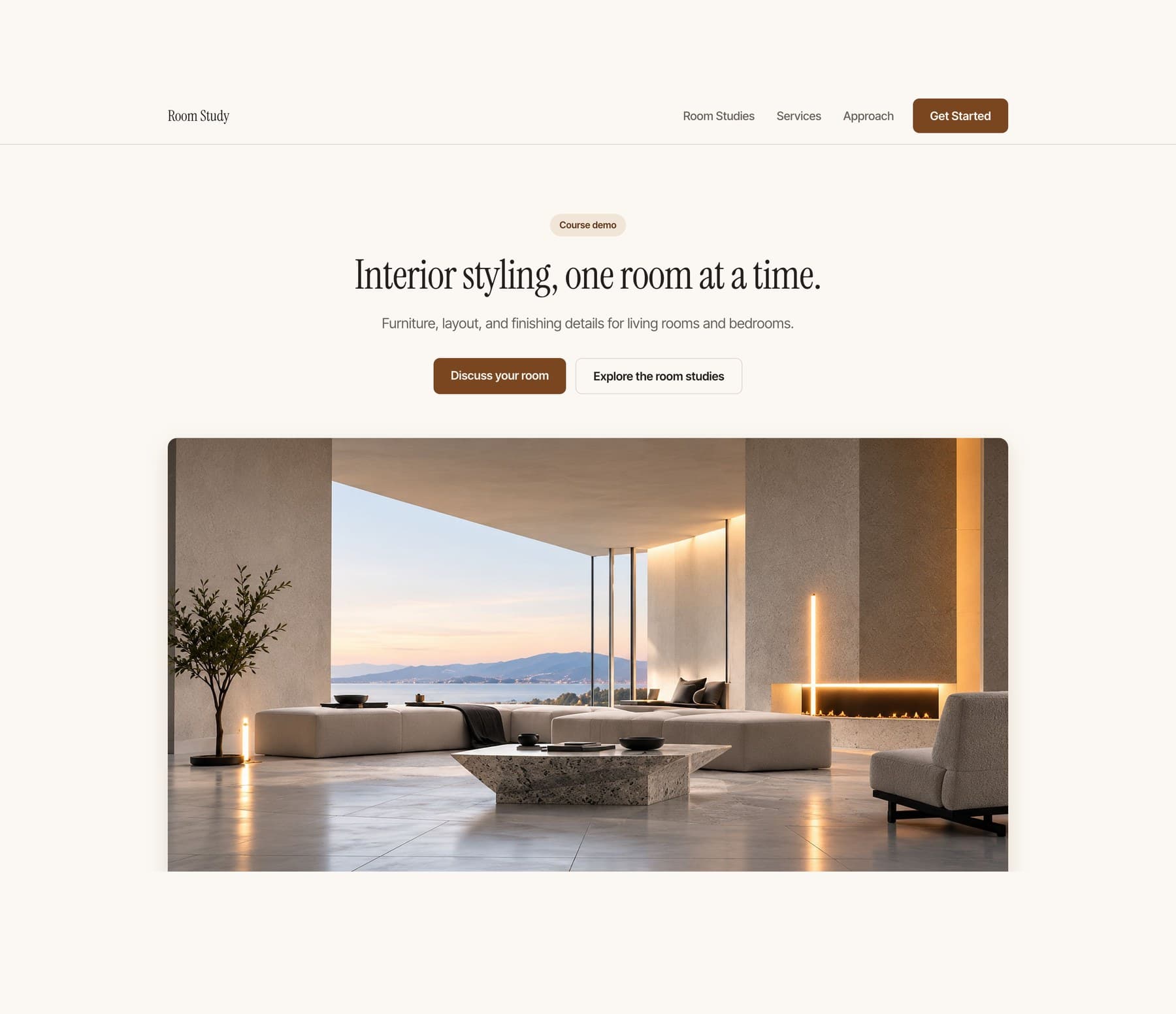
Start with an empty project and finish with a polished one-page website you can open on your phone and send to other people. No coding experience required.
Coming soonView course
Follow Arian as he develops a stronger visual identity, adds deliberate motion, and expands a one-page website into a connected three-page site.
Coming soonView course
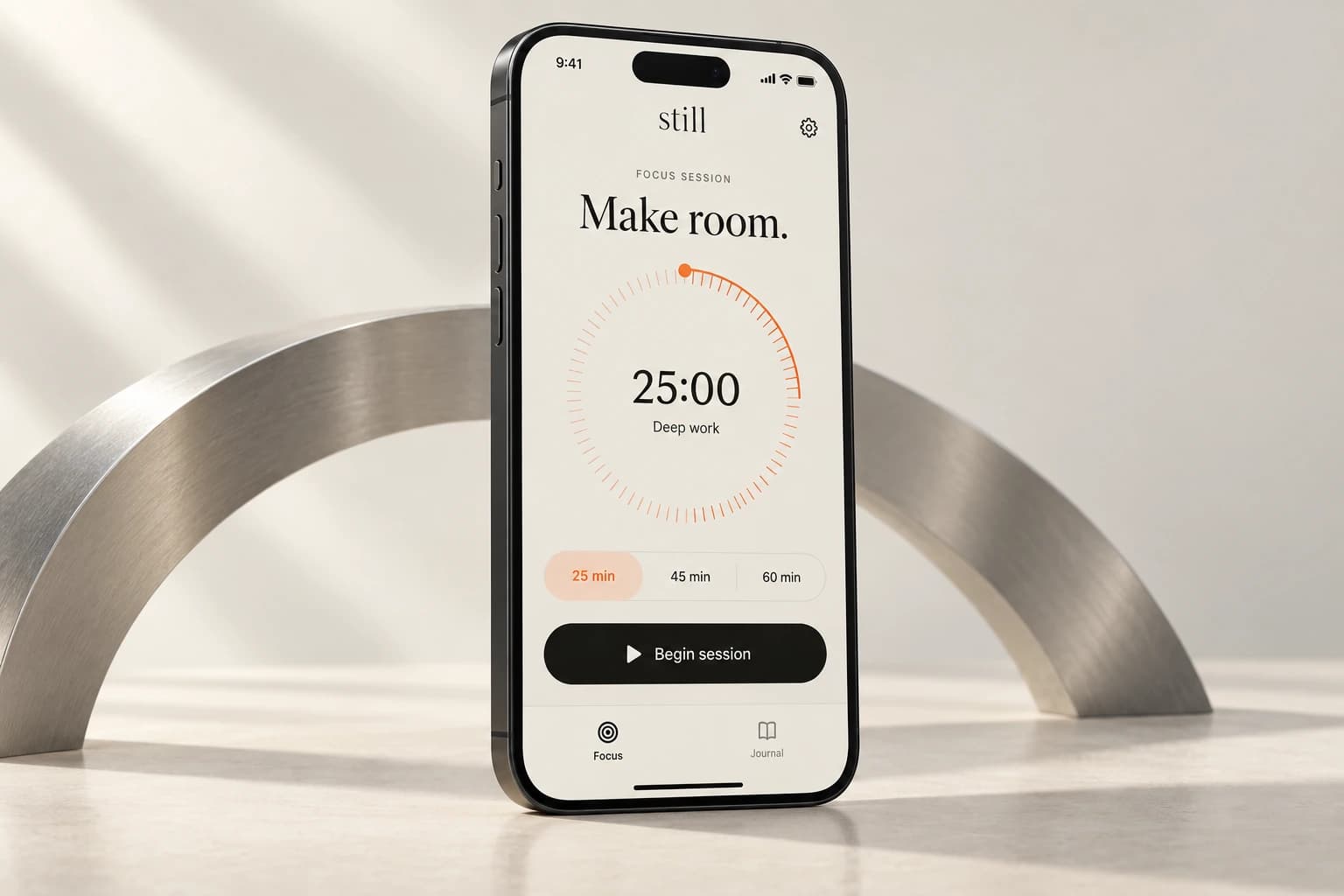
Build a personal habit app with a checklist, a focus timer, and your own look. Add it to your phone home screen.
Coming soonView courseMove beyond copied prompts. Learn to scope your idea, direct AI, and build an app with a consistent design.
Build a native iPhone app, test it, add useful Apple capabilities, and prepare your App Store submission.

Build a small operating system that helps AI remember the work, report clearly, hand off cleanly, and run one recurring job without you.
Coming soonView courseChoose the course updates you want. No account is needed.
18+ onlyYes. You connect the main action to an existing booking or inquiry service you control and test it from the visitor side and your own account. No custom backend is required.
No previous coding experience is required for course 1. You will still learn how to describe a change, inspect what happened, test it and recover when it goes wrong.
Yes, for the tested course-1 and course-2 workflows. Course 3 uses a compatible Mac and Xcode.
Not with the workflow taught here. Use a supported computer to build and your phone to test the result.
No. Course 1 creates a home-screen web app. Native iPhone development and submission are covered in course 3.
Course 1 uses one small project so the instructions stay clear. Course 2 teaches you to adapt the process to your own small app. It is not a promise that every possible app fits the same scope.
The listed teaching files and course tools are included. Third-party software, hosting upgrades, hardware and developer memberships are separate. Check the requirements before purchase.
Yes, once they are released. Higher packages include the earlier courses, so you can fill any gaps without buying the same material twice.
The courses are prerecorded. Questions and project feedback happen in the community. No recurring live session or guaranteed personal debugging service is included.
You can adapt the teaching project according to its included license. Your purchase does not include the production source of breathe or unrestricted resale of course materials and third-party assets.
The first teaching app saves ordinary task data locally. It is not cloud sync, and clearing browser data can remove it. You will learn the limits and how later recovery options work.